One inbox your whole company can afford to open.
Chat, email, Slack, WhatsApp, SMS, and phone land in one queue. Seats are free, so any engineer can jump into a thread.
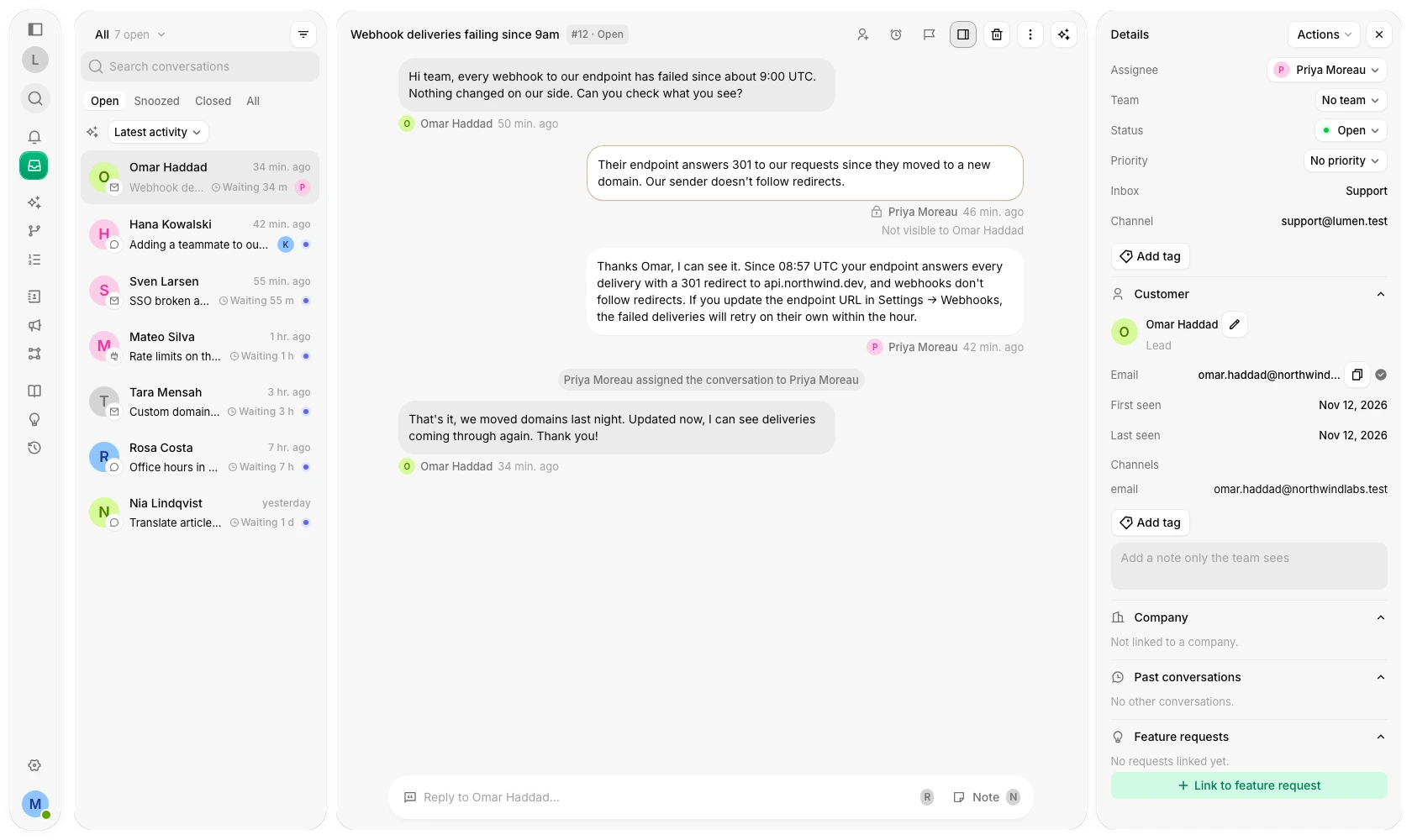
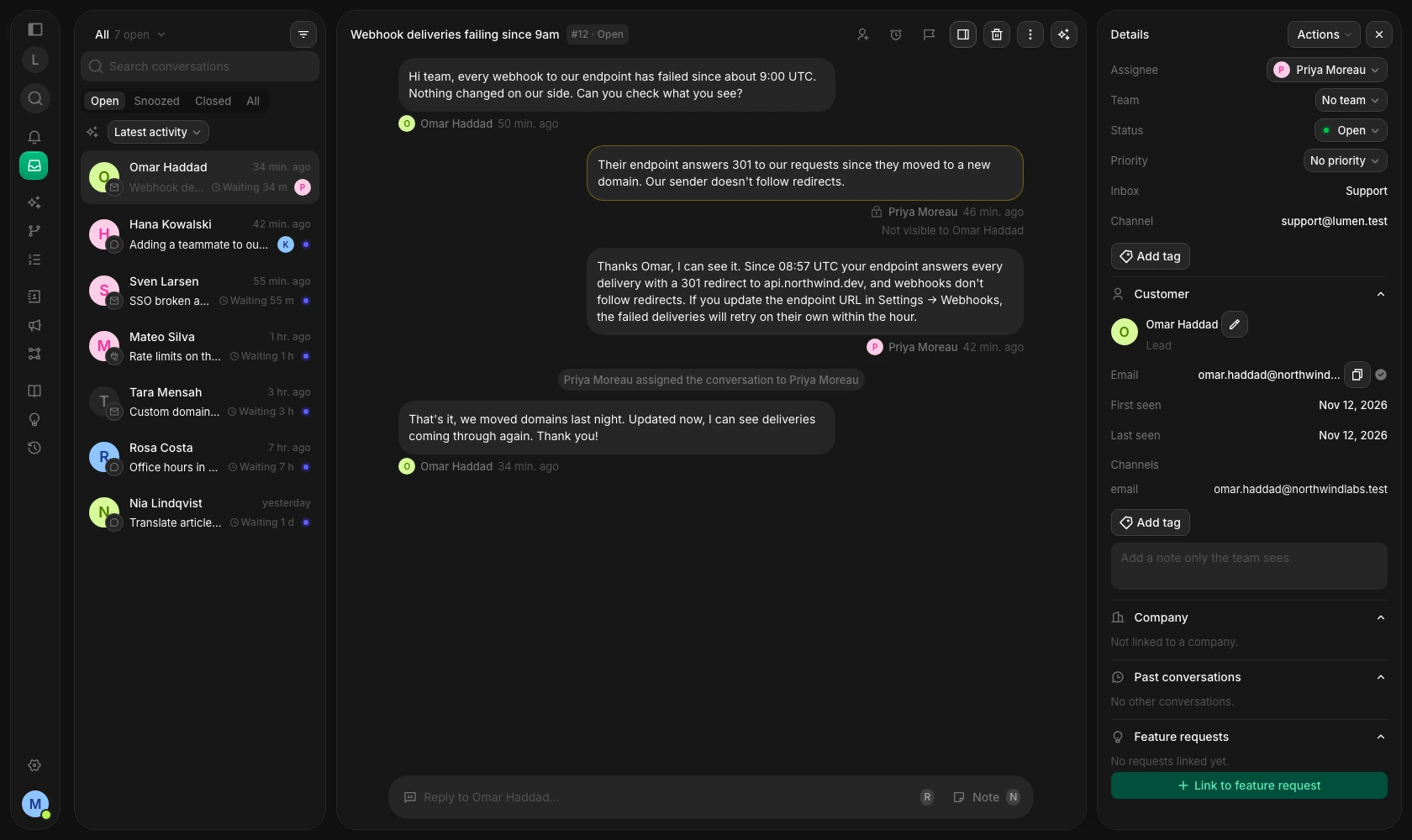
Answer without jumping across five tabs.
Triage, customer info, and teamwork live in one view. Nobody opens another tool to find an order.
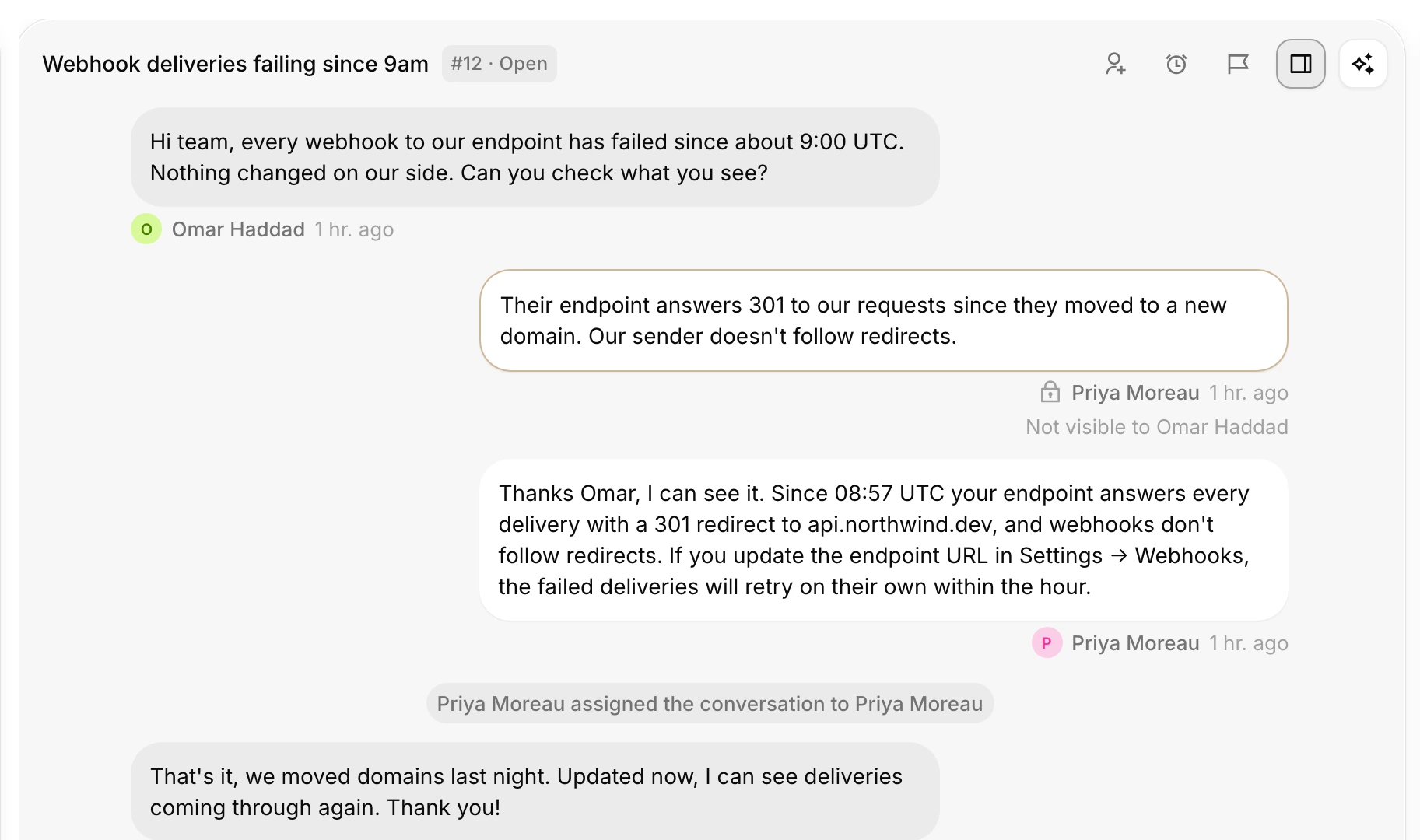
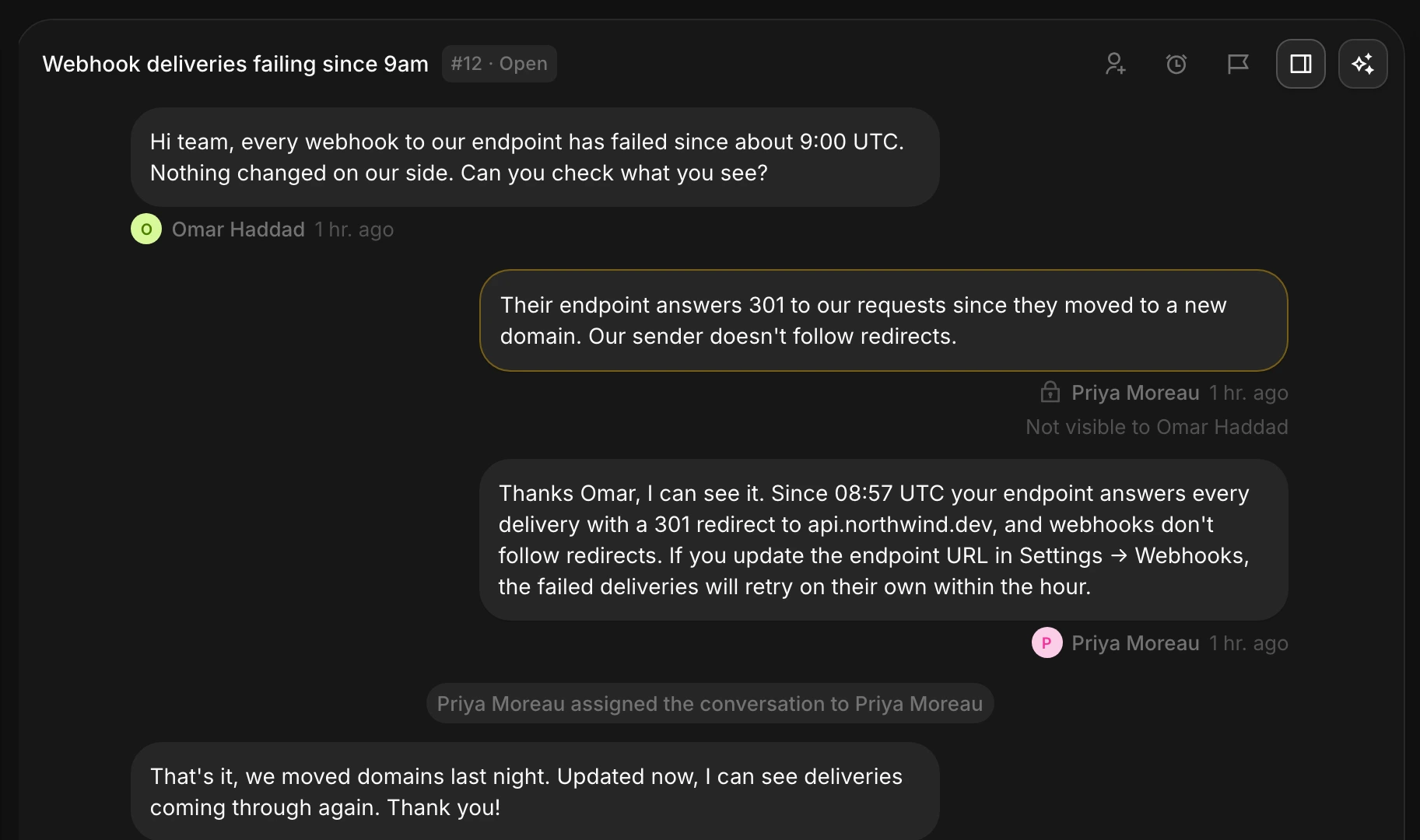
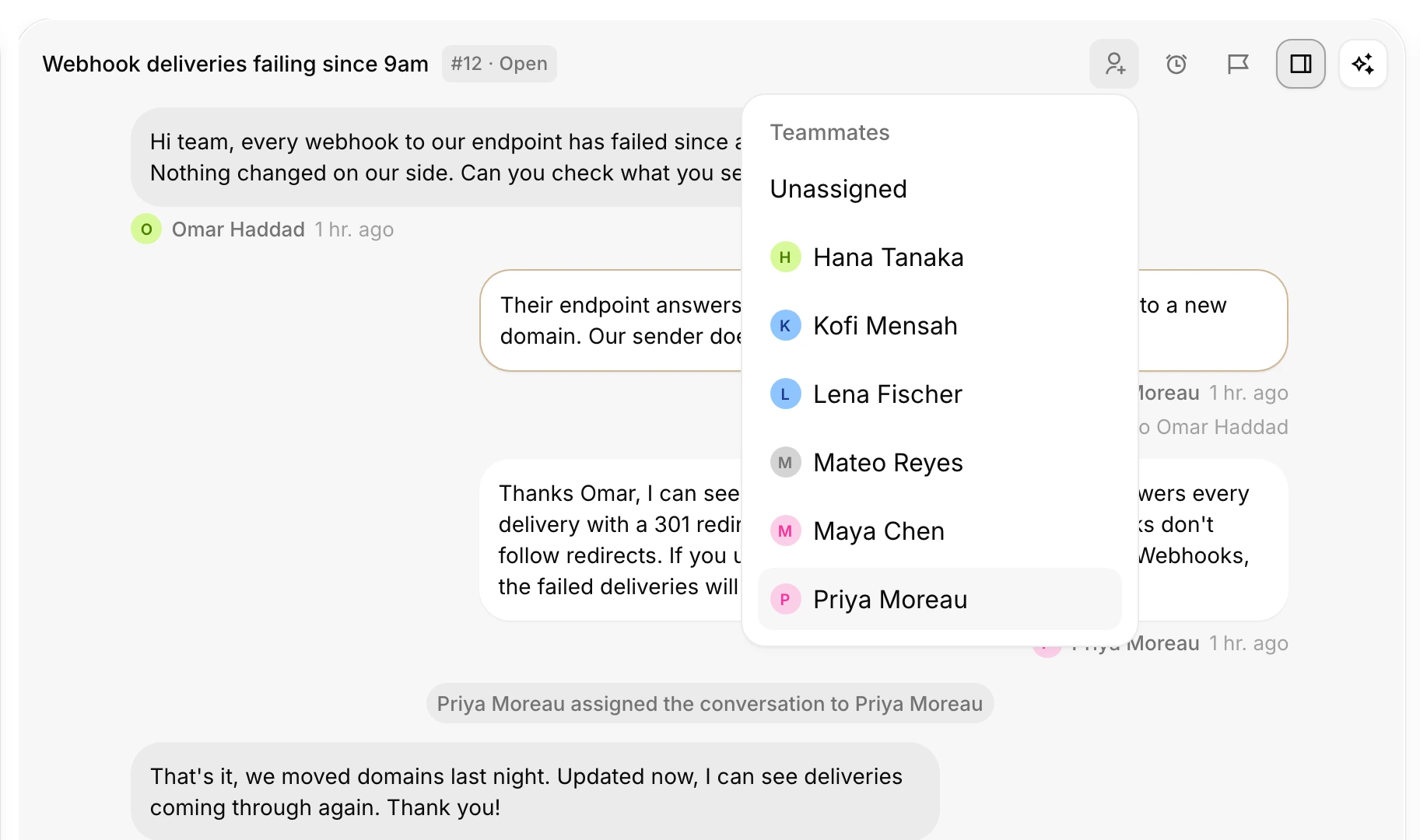
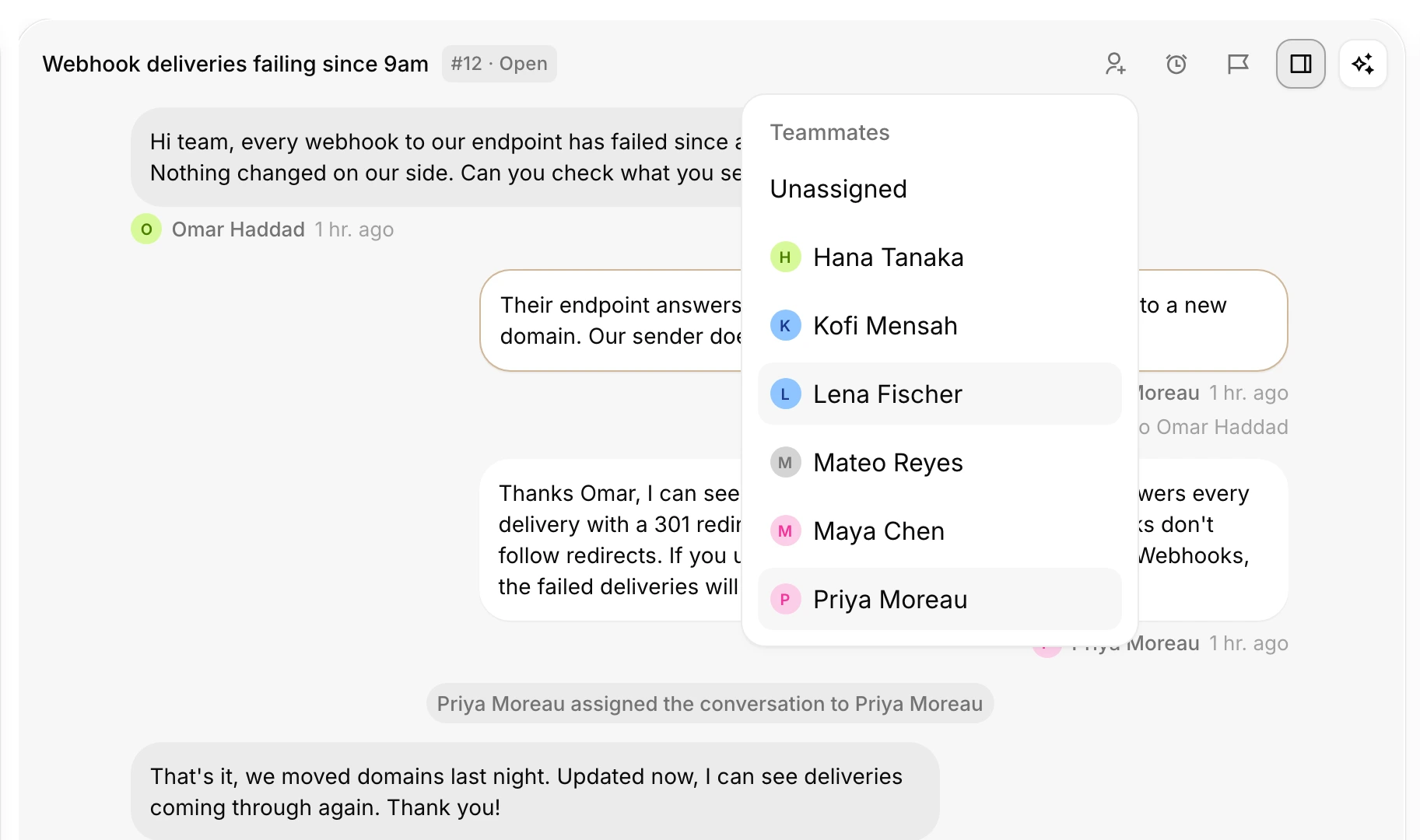
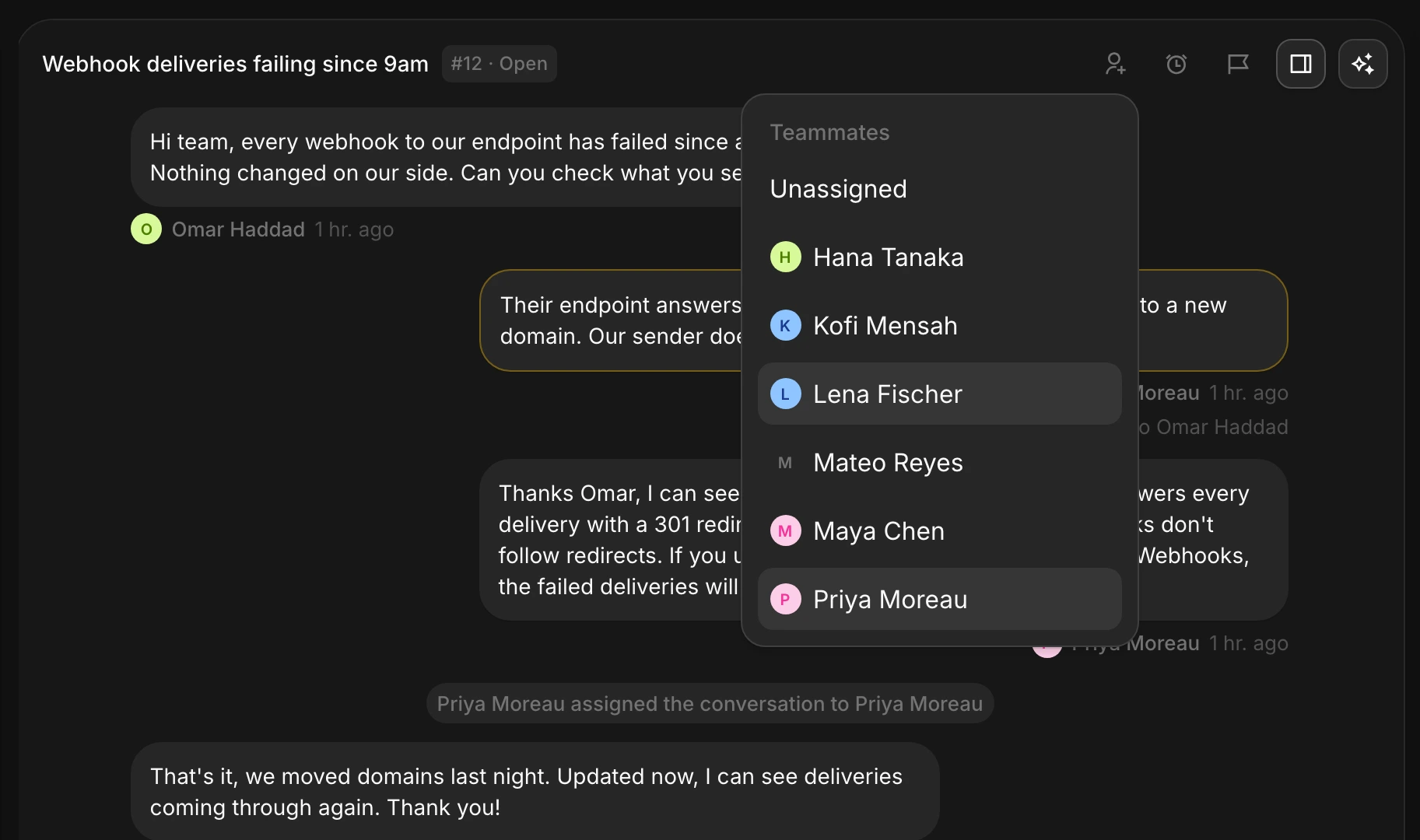
Assign with one click
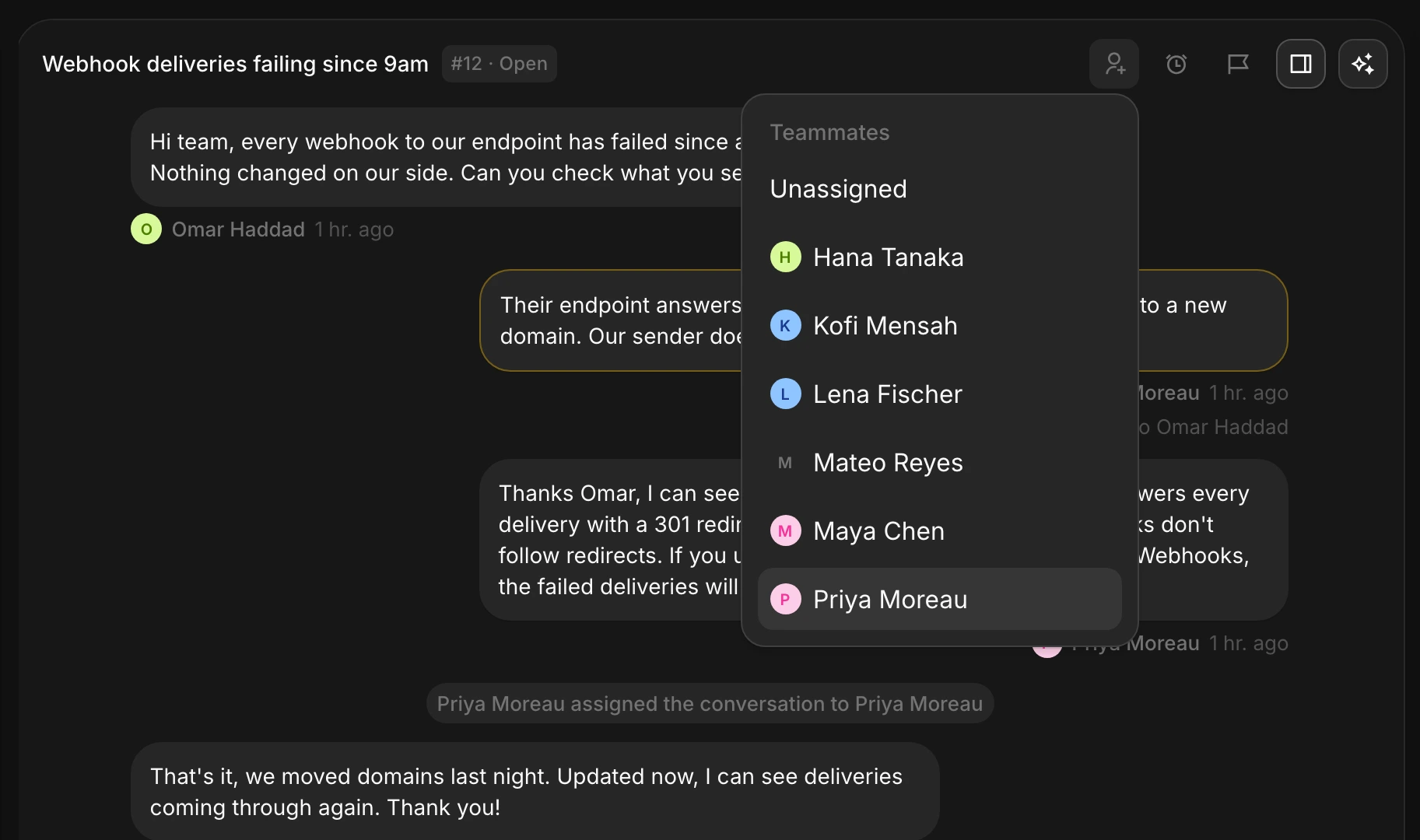
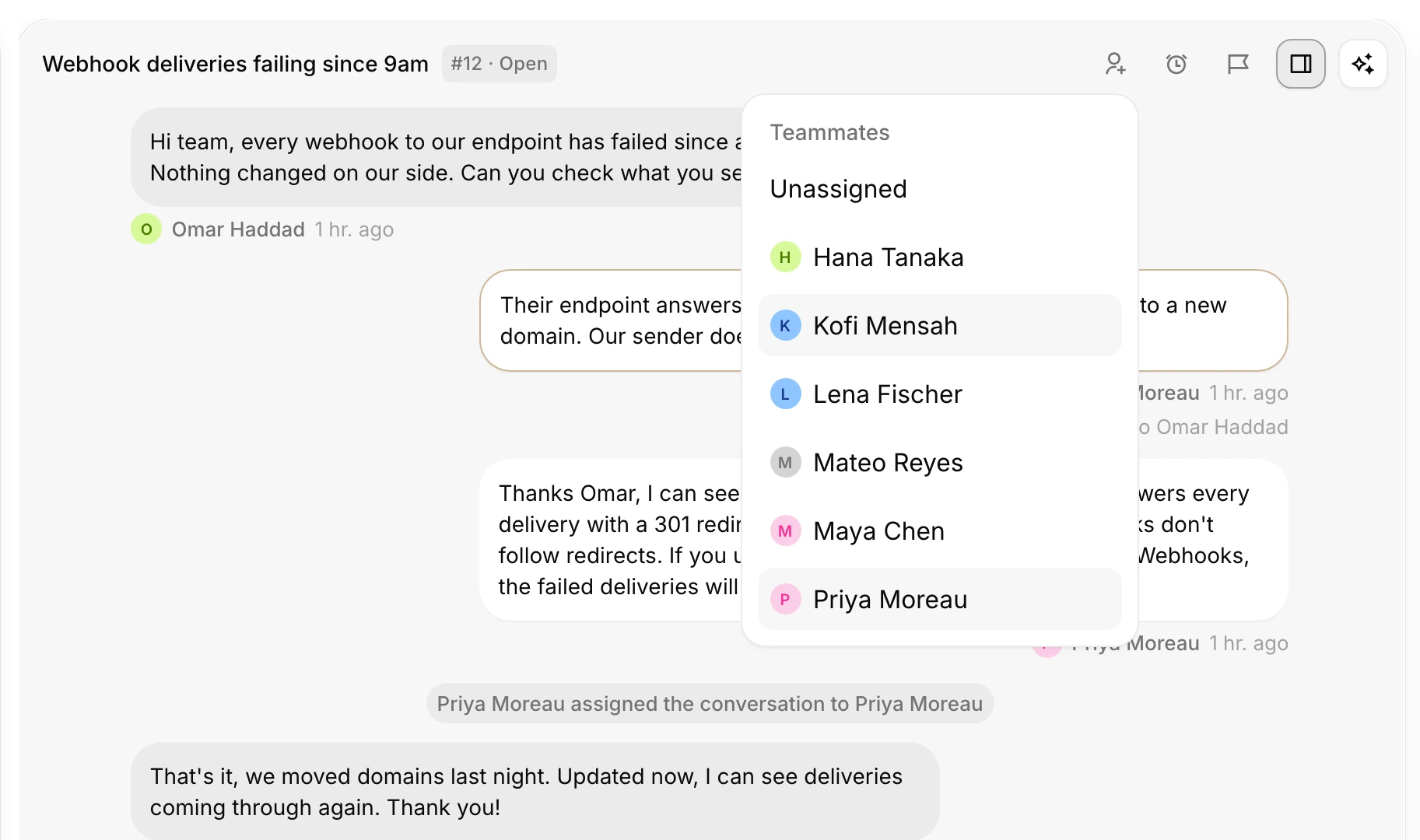
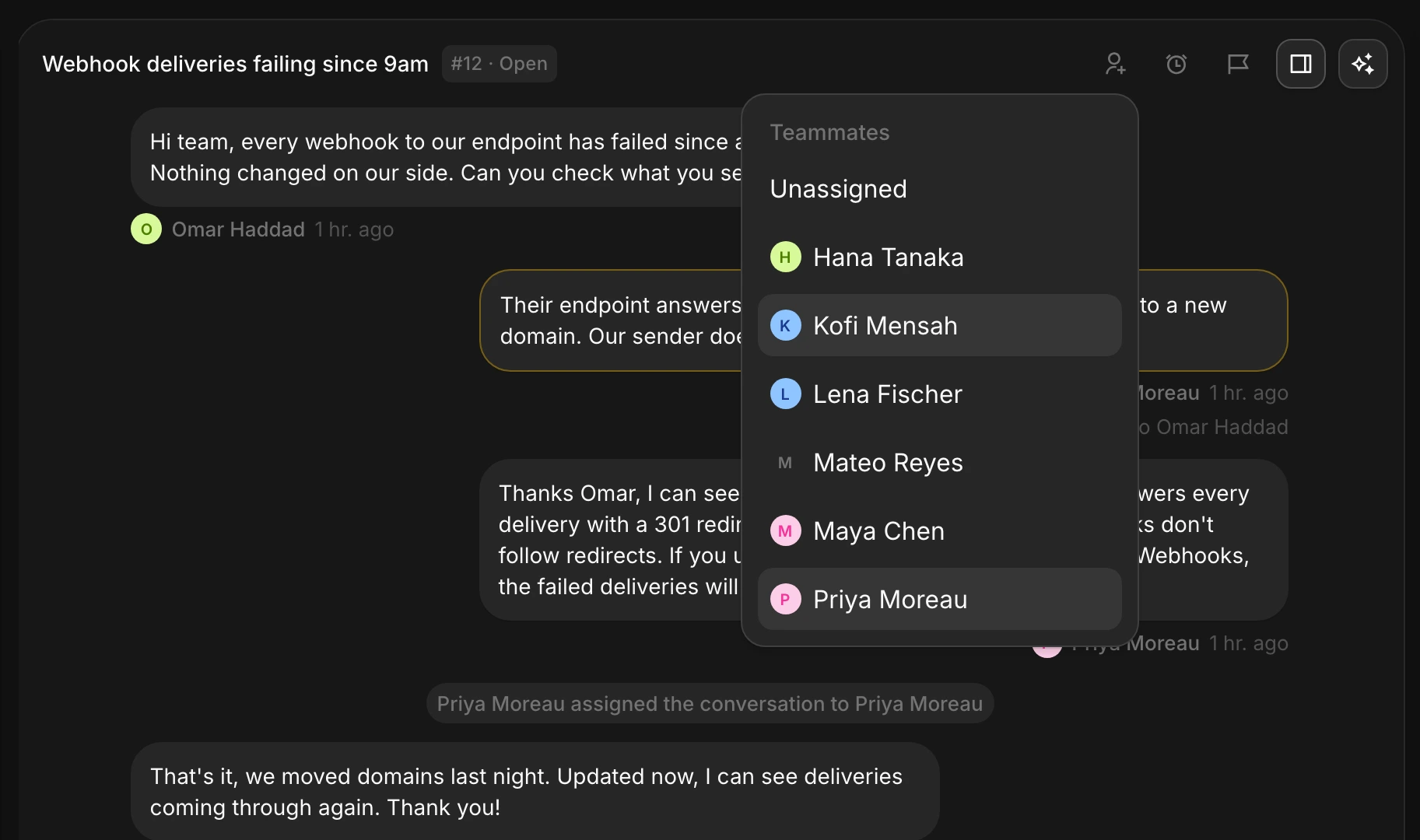
Hand a chat to a person or team, or let round robin split new threads fairly.
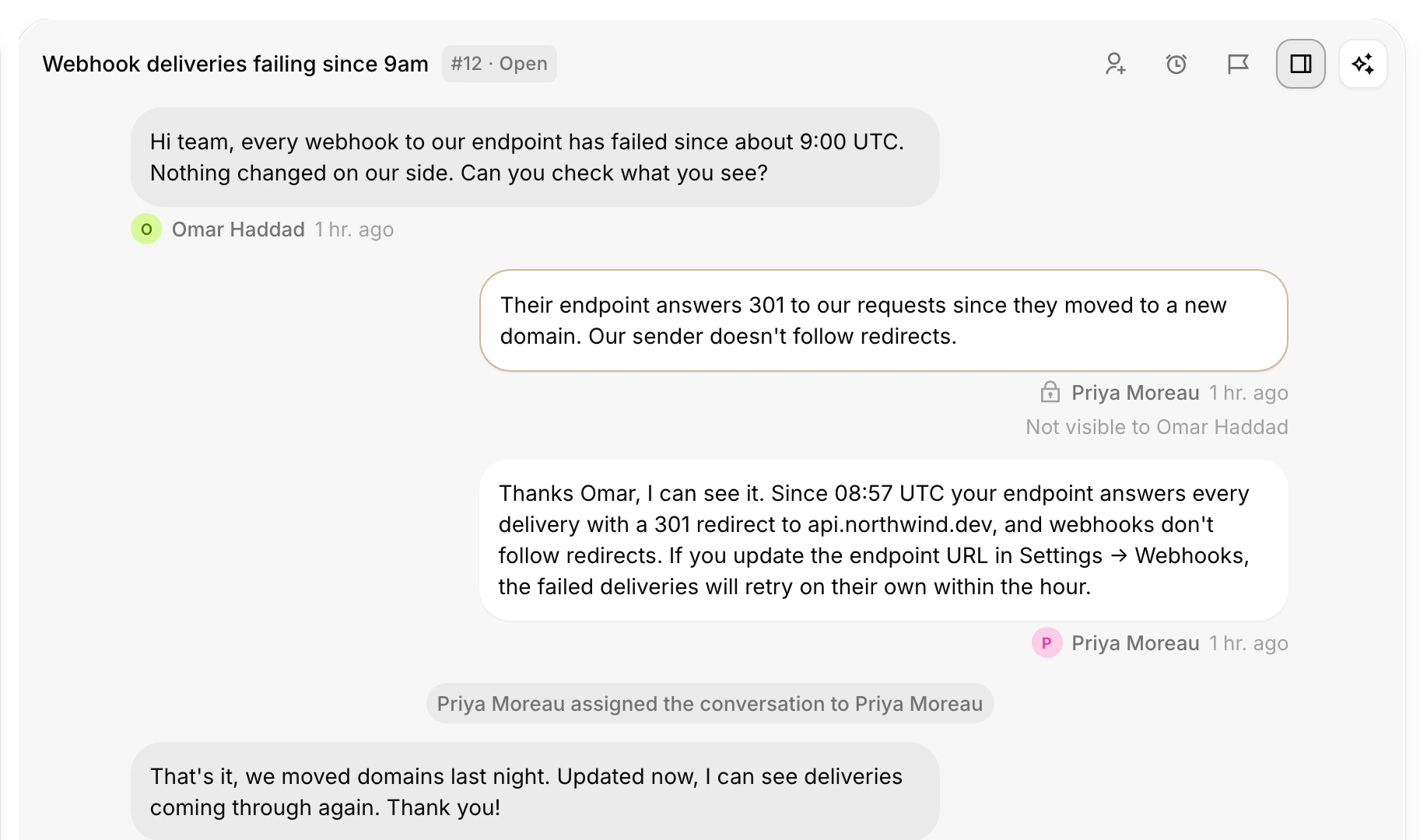
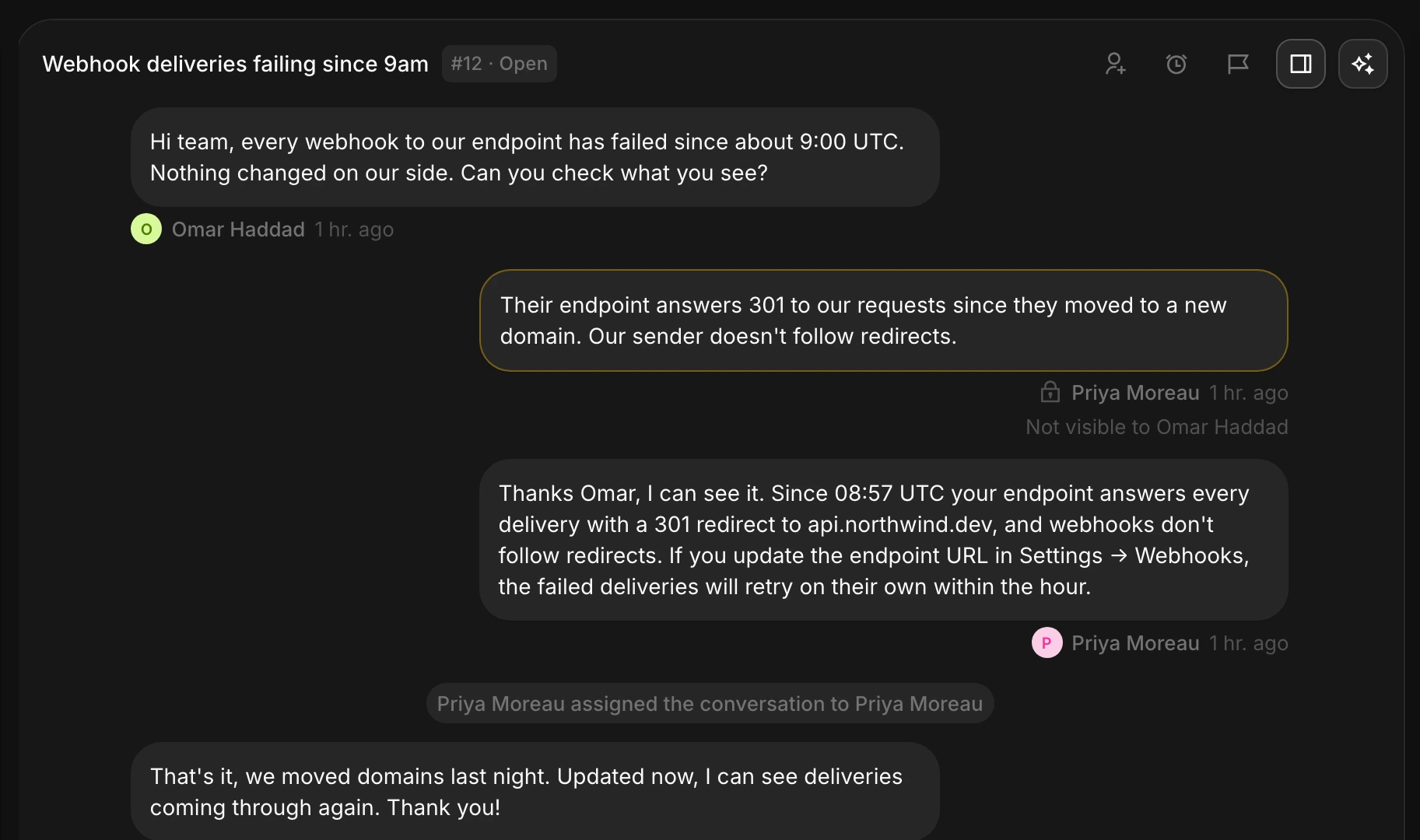
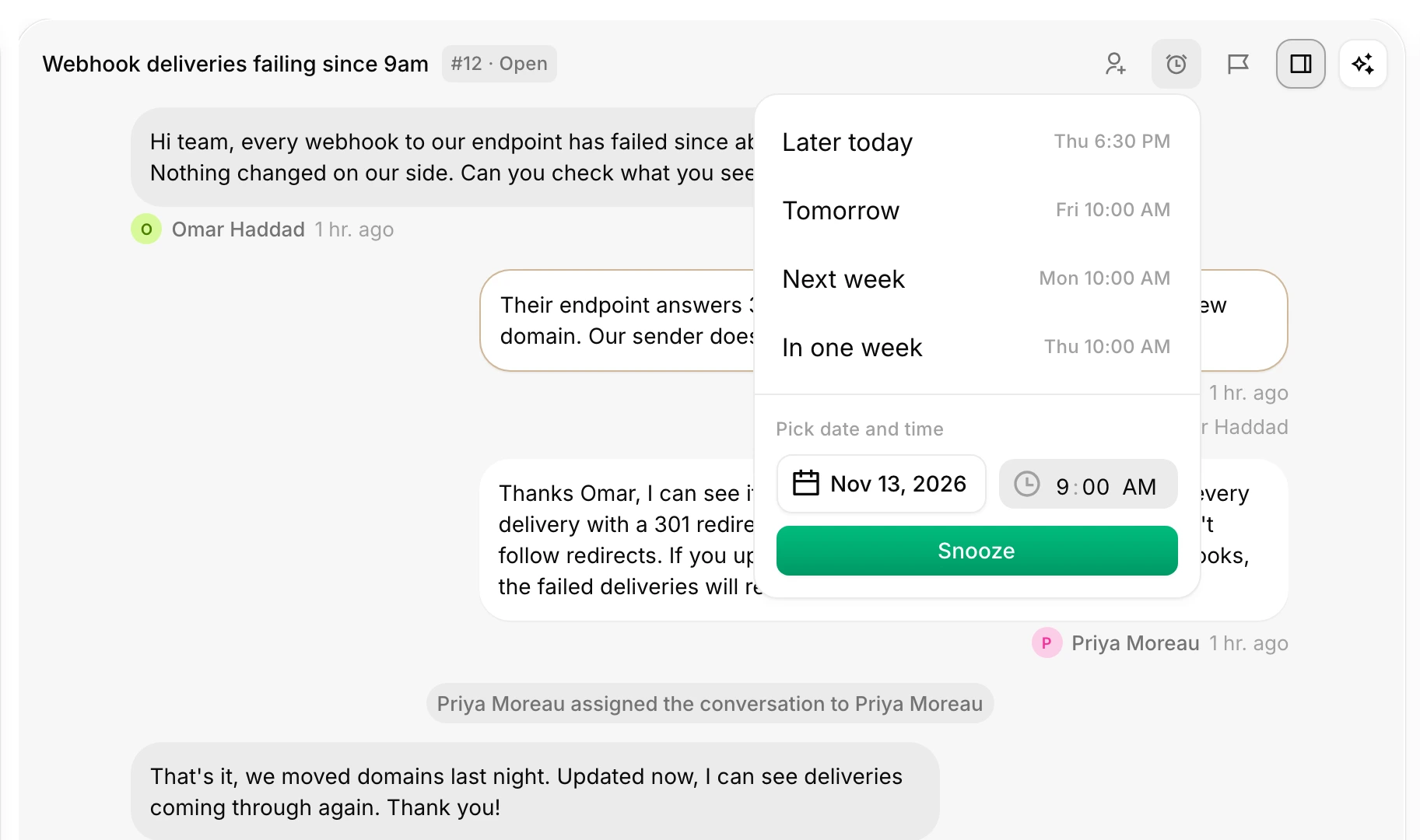
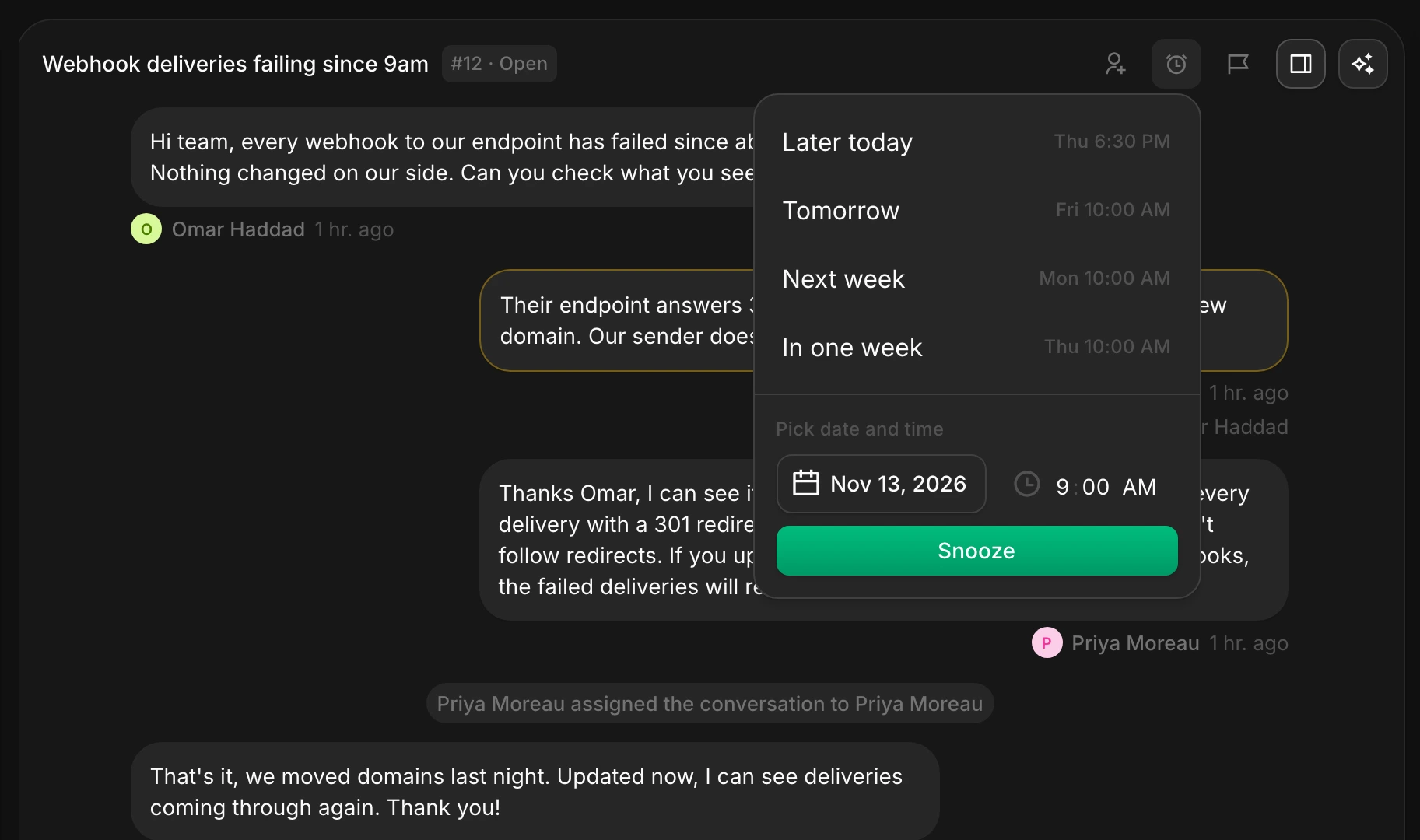
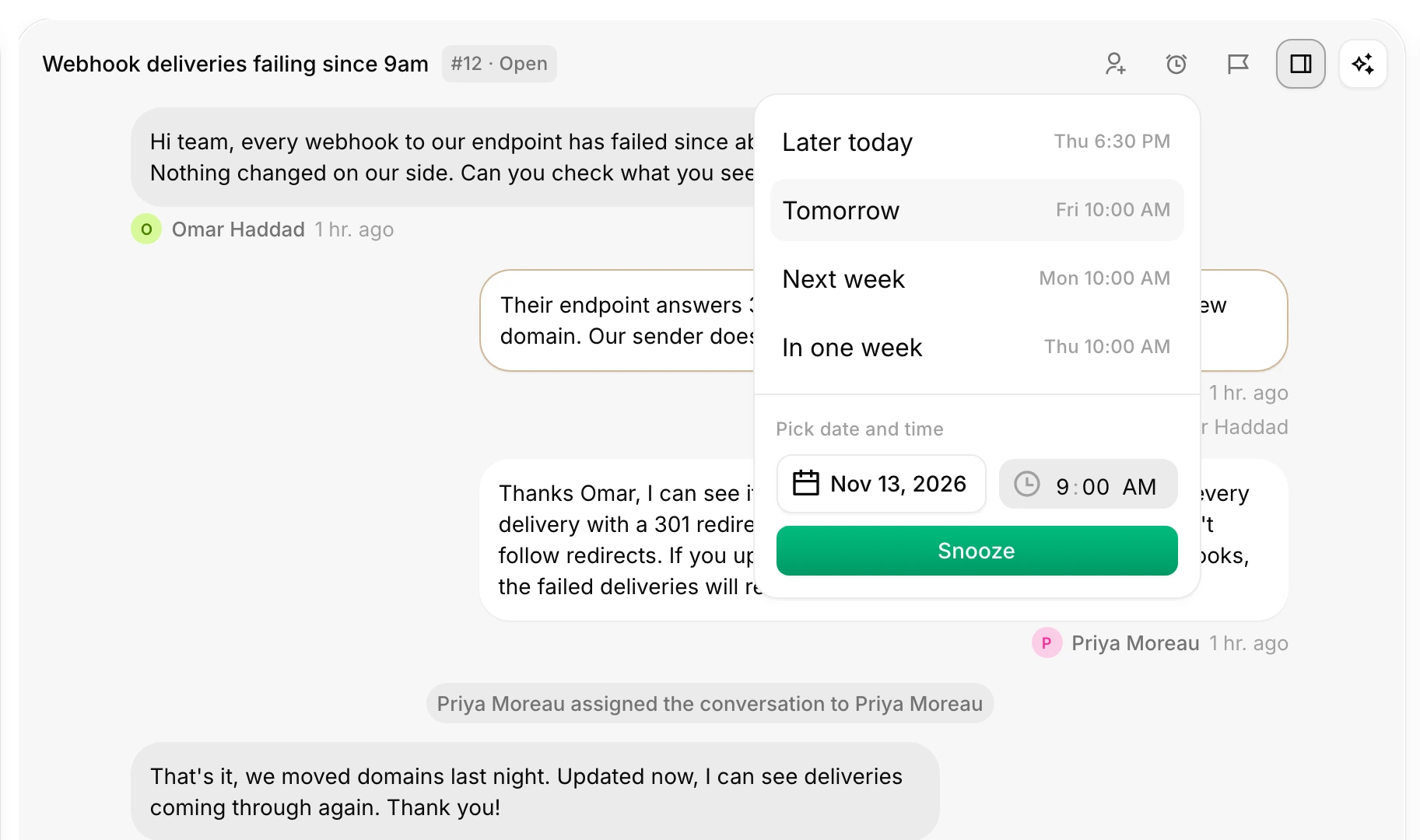
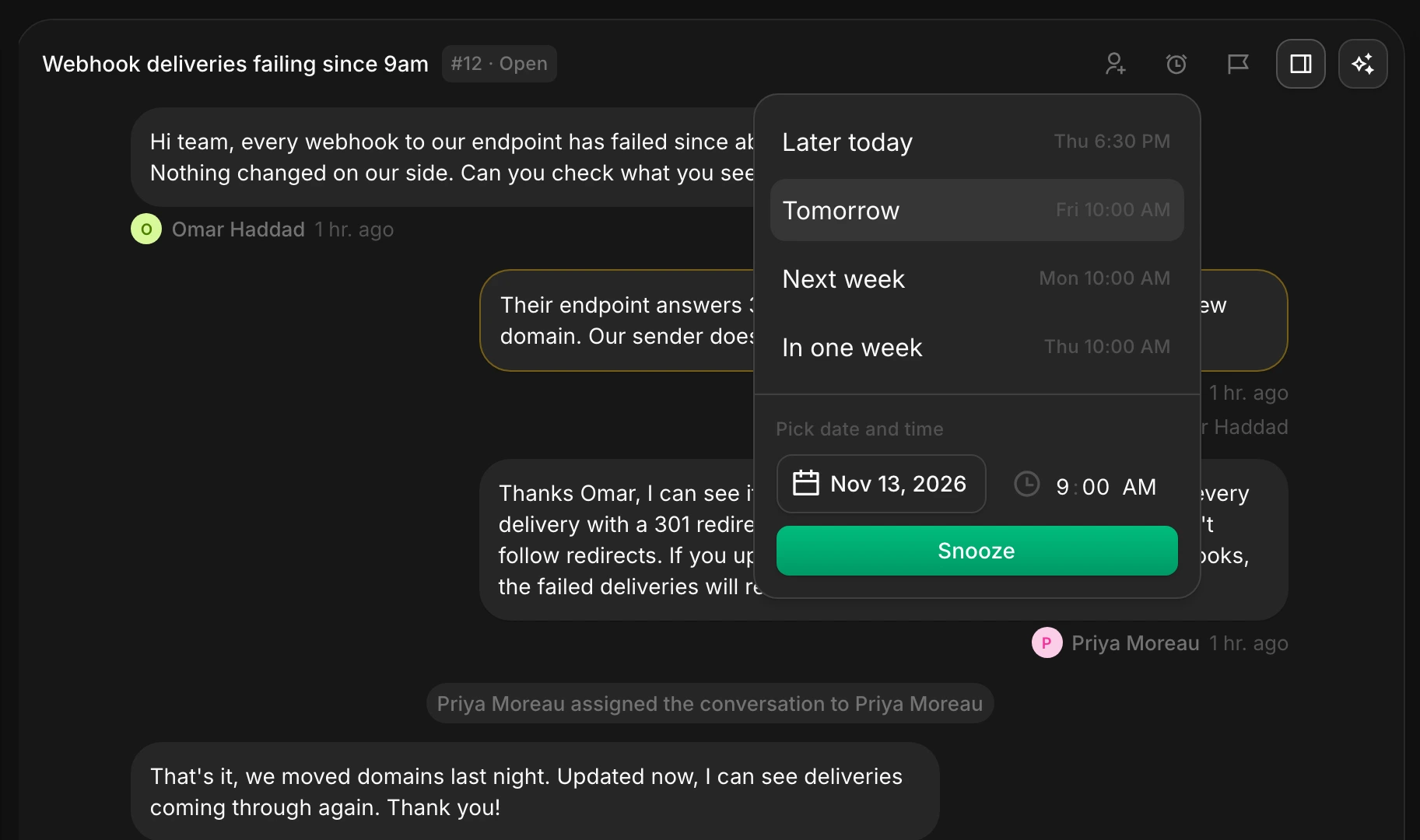
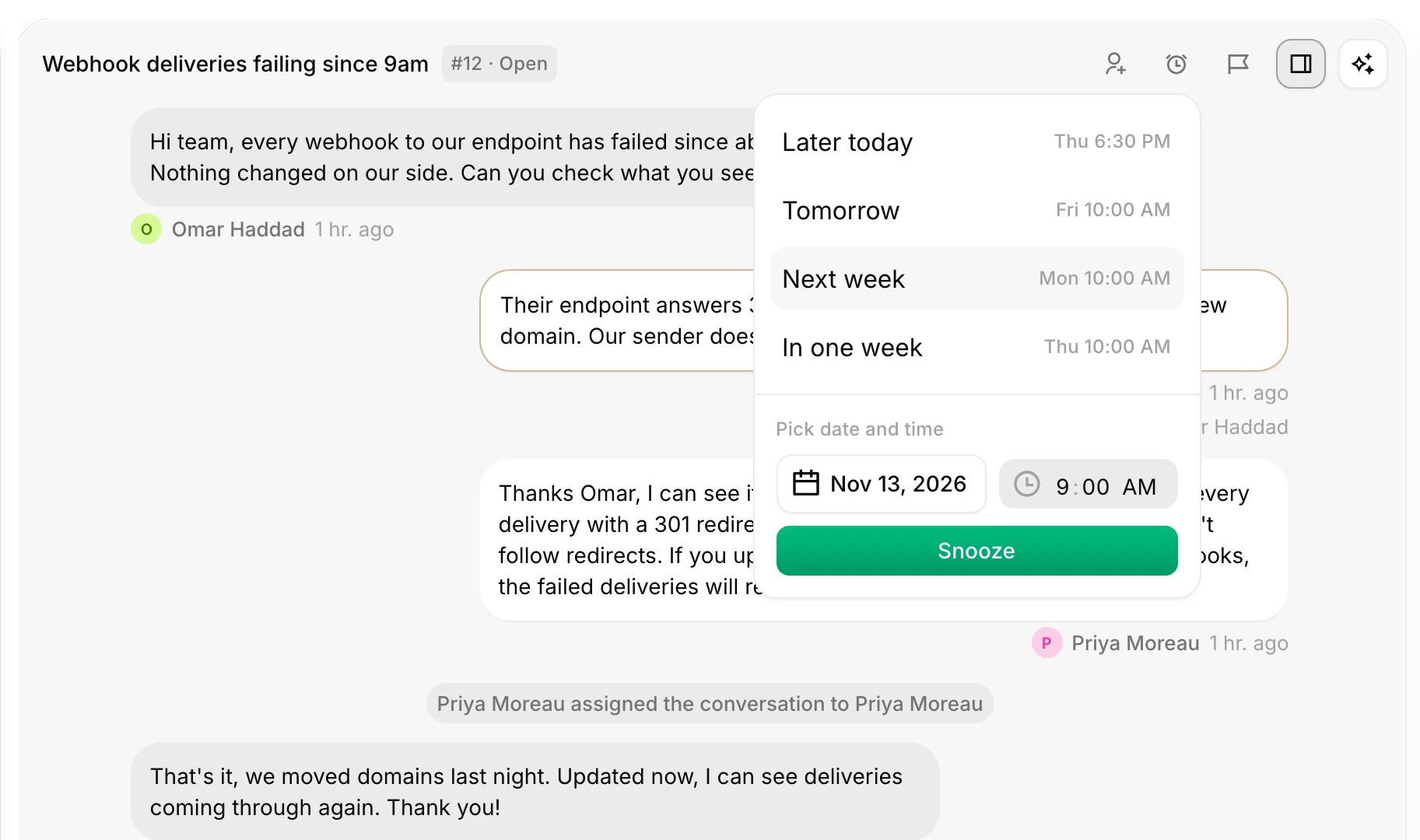
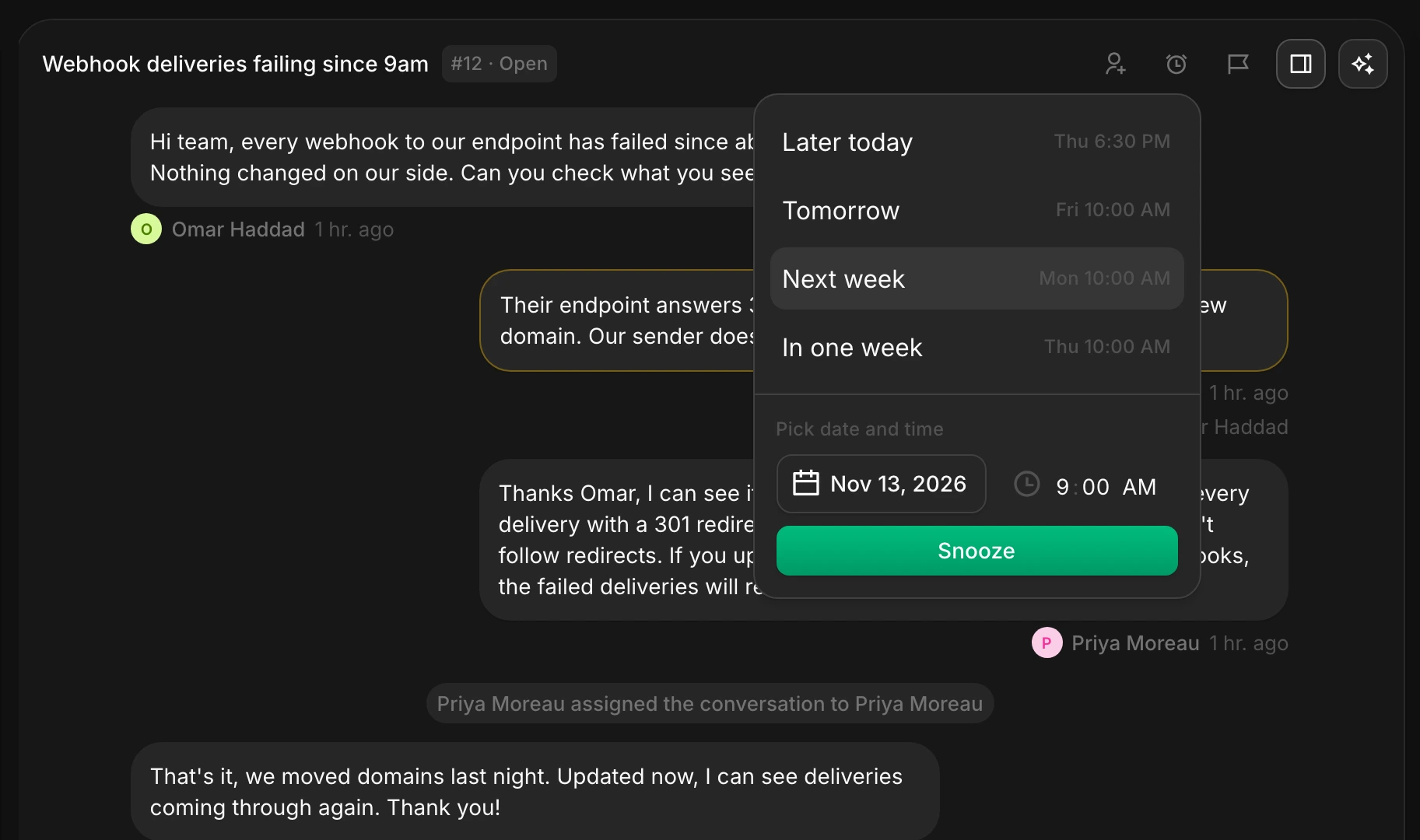
Snooze until it matters
Clear your queue for now. The thread comes back on time, or sooner if they reply.
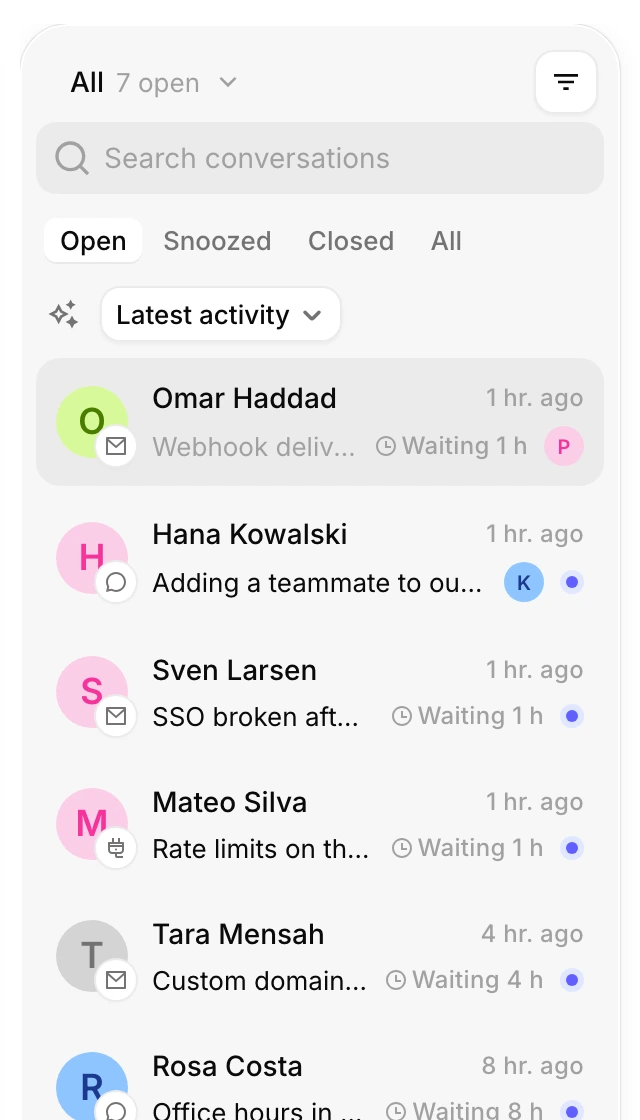
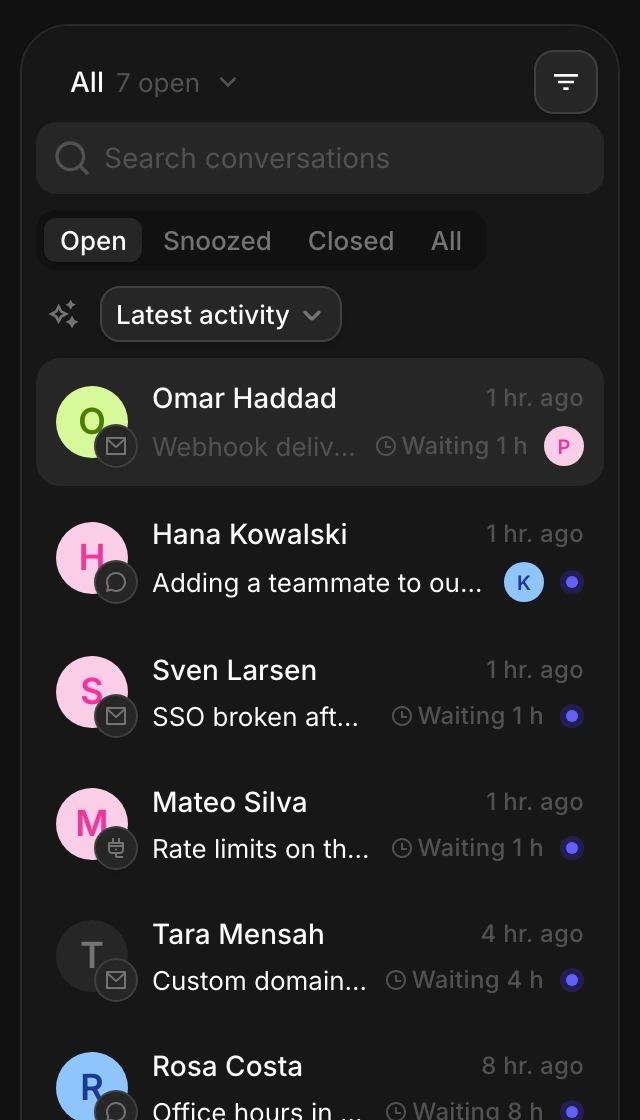
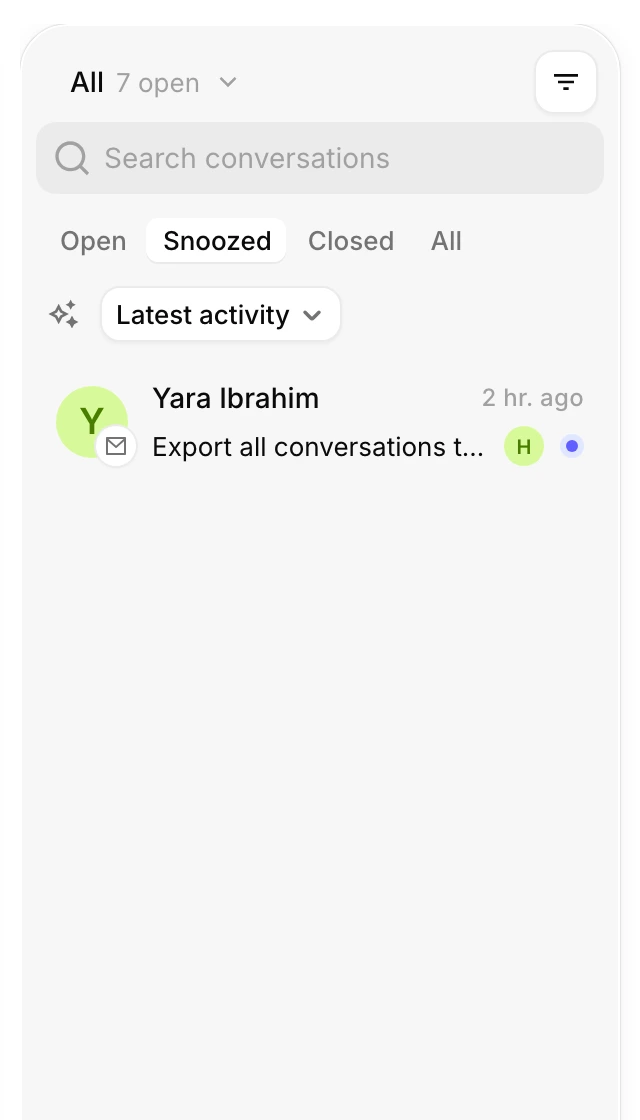
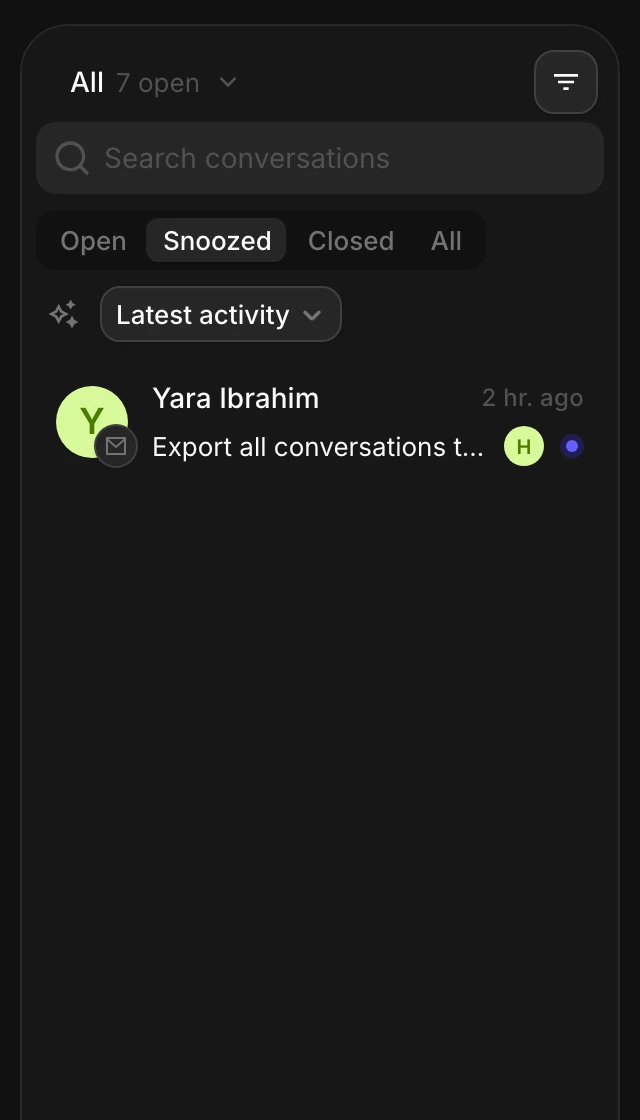
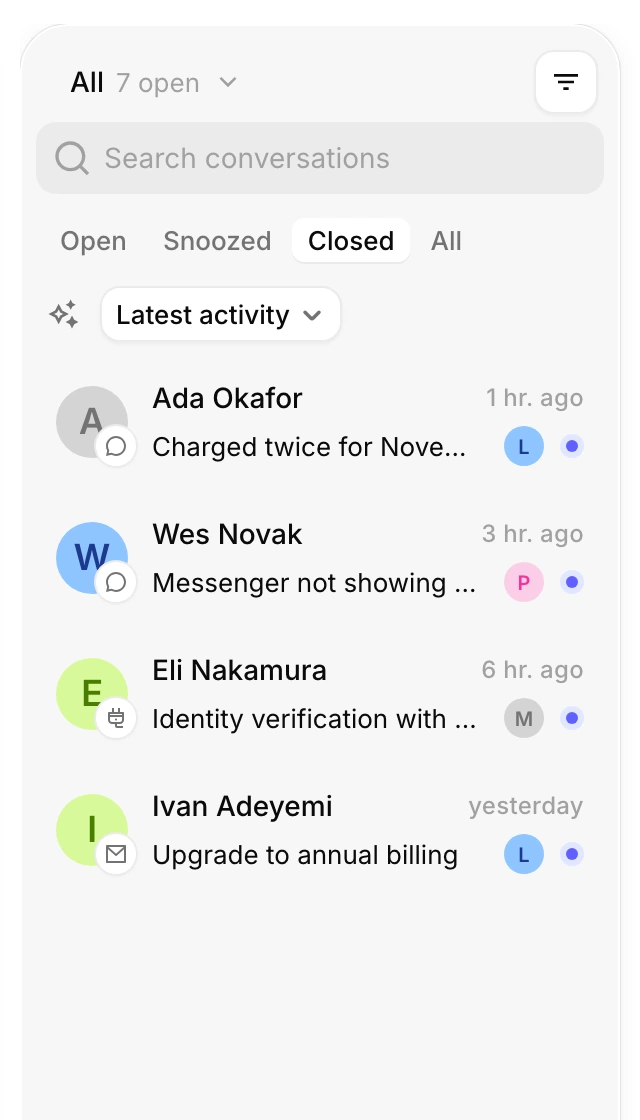
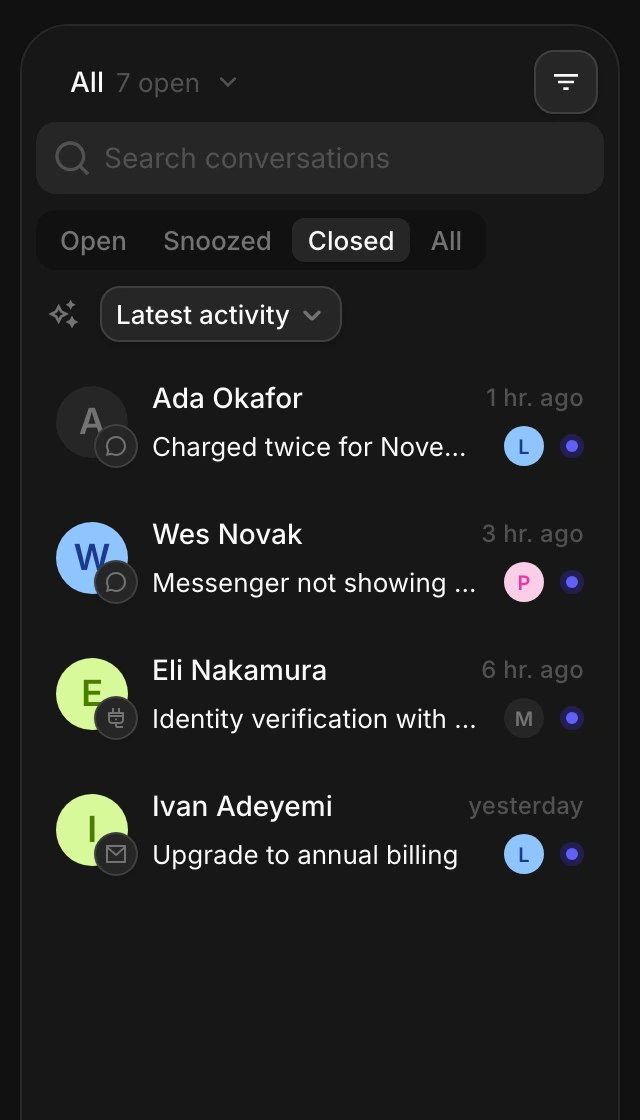
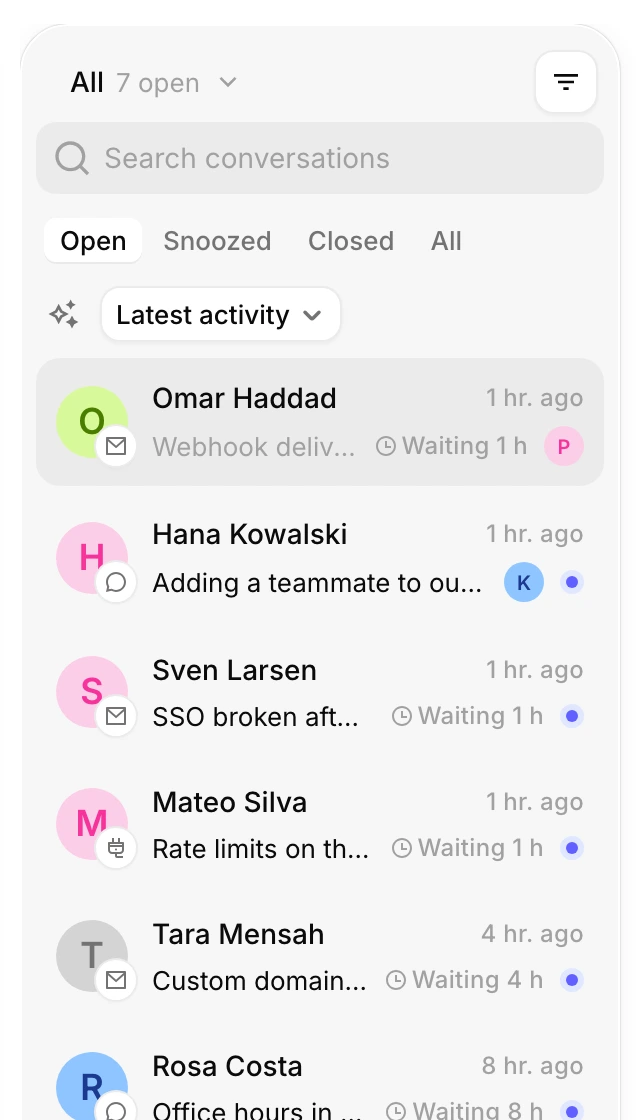
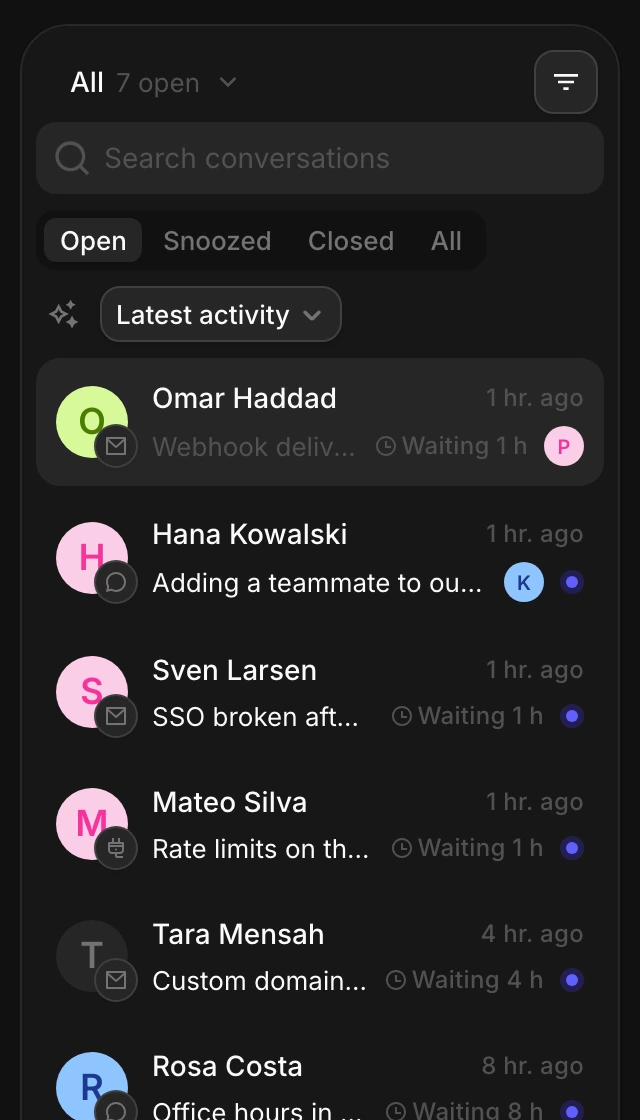
Scan the whole queue fast
See the channel, owner, and wait time on every row without clicking in.
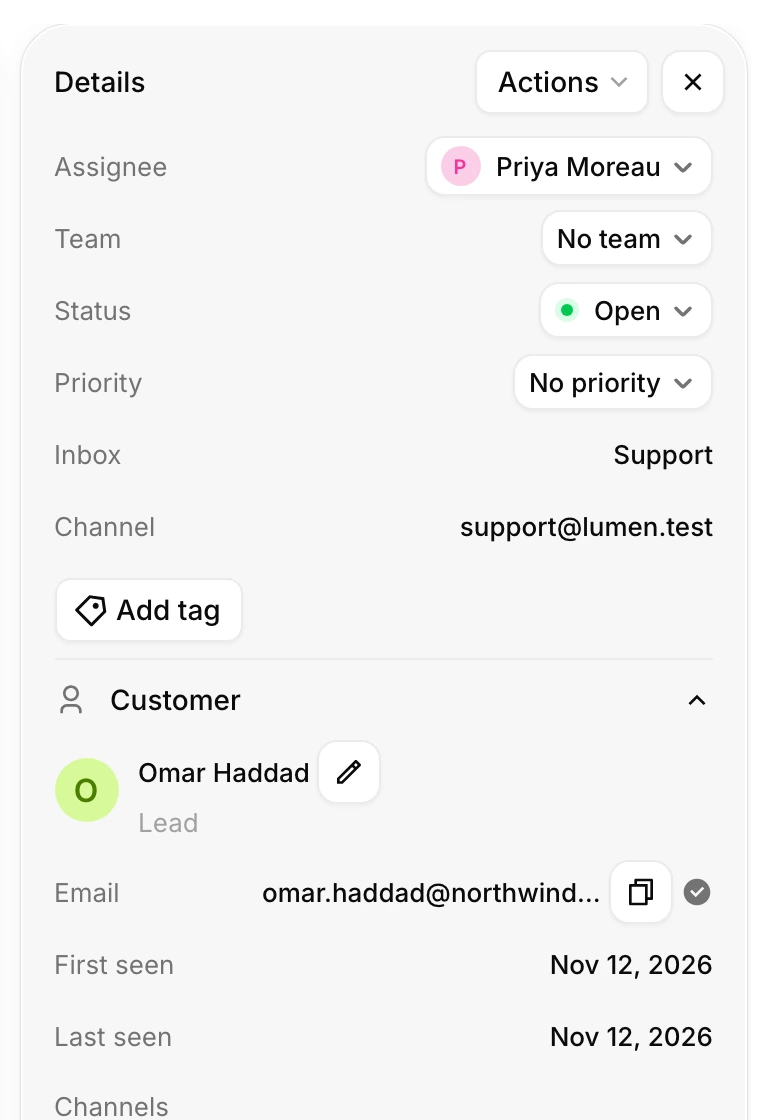
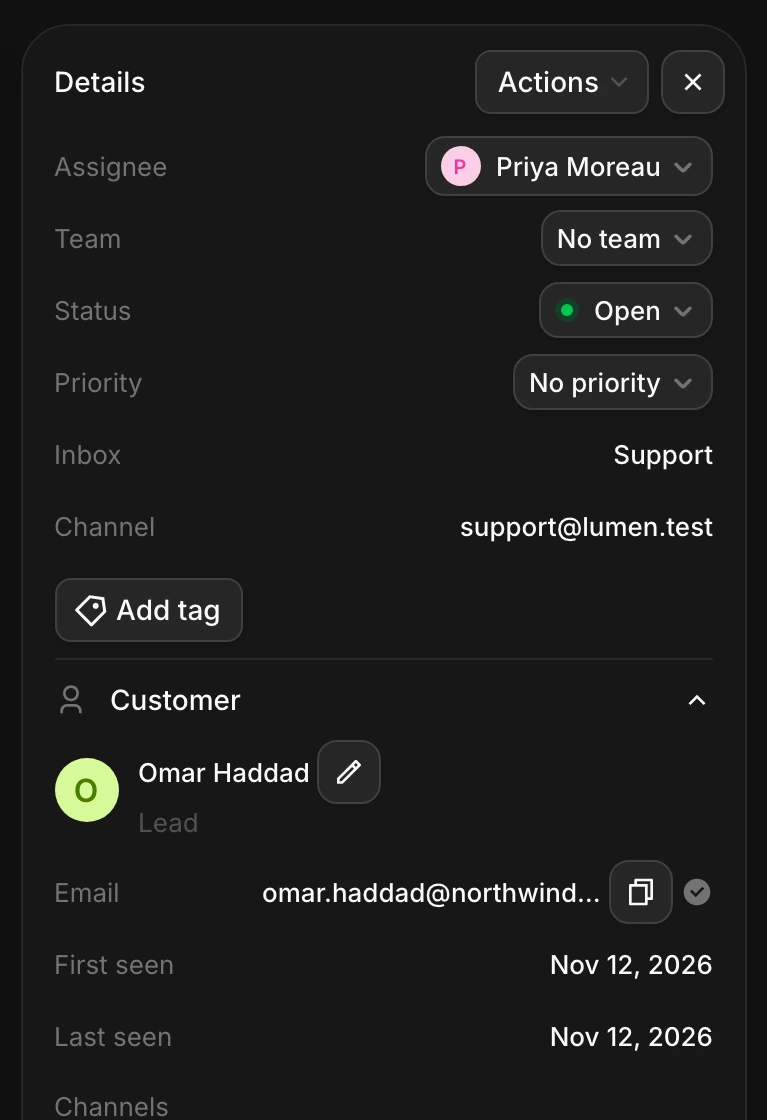
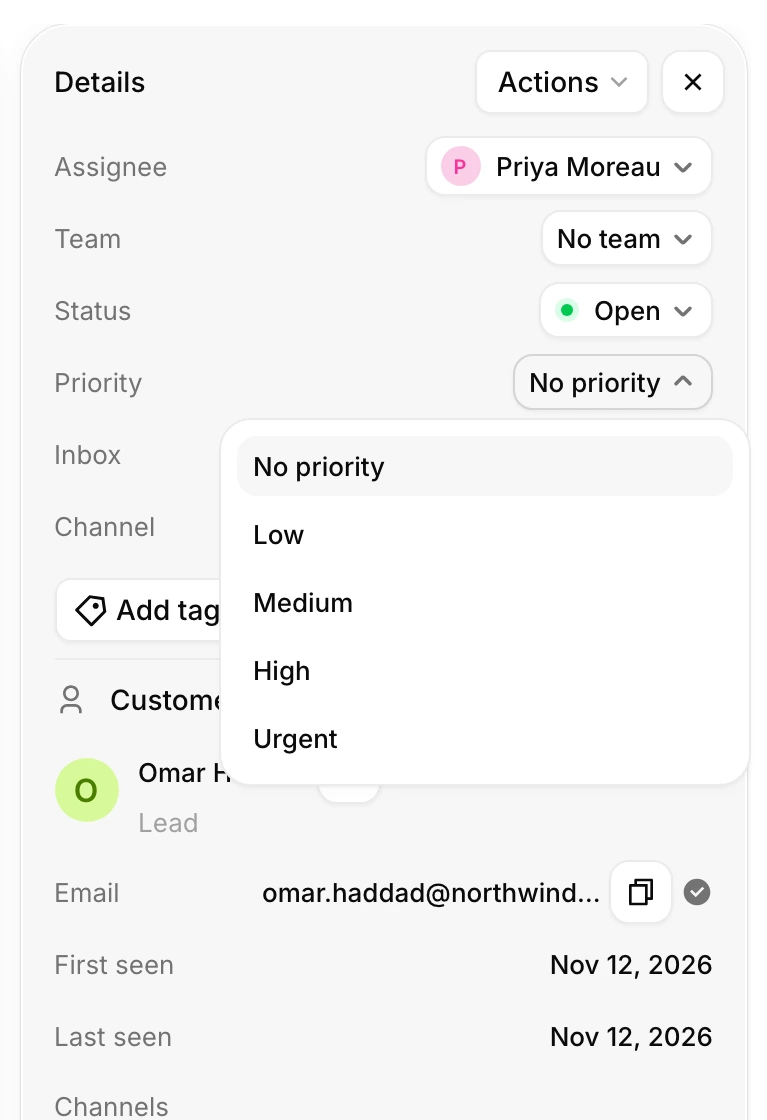
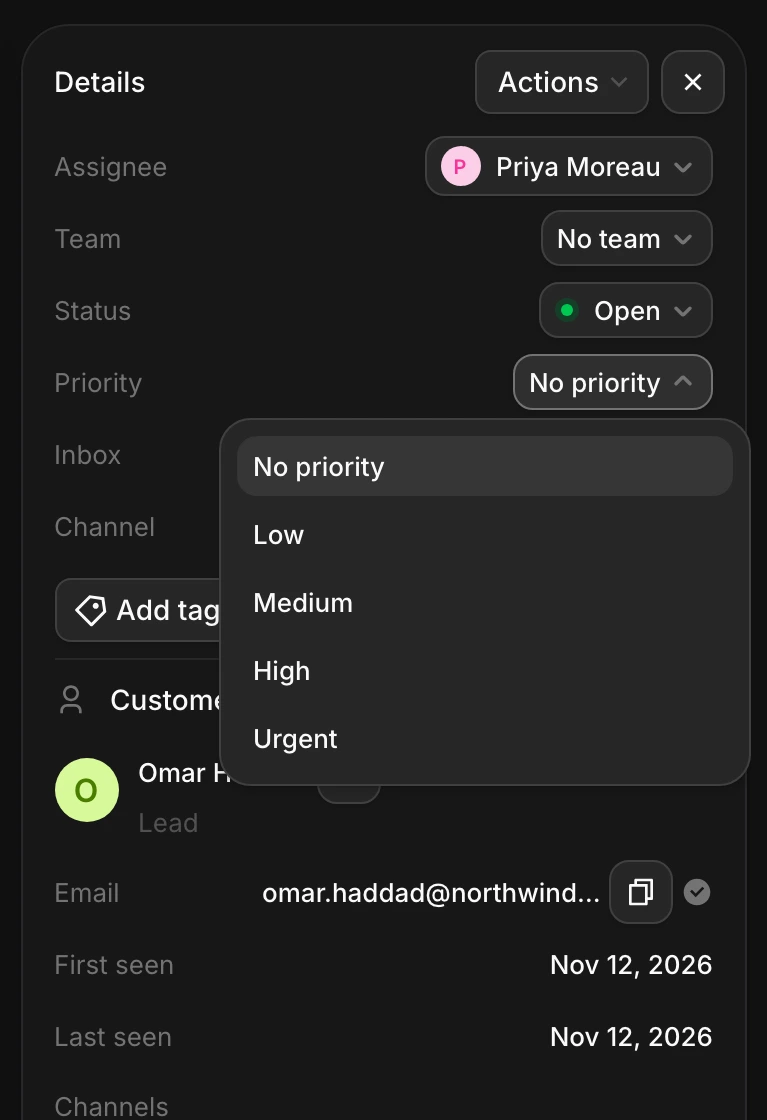
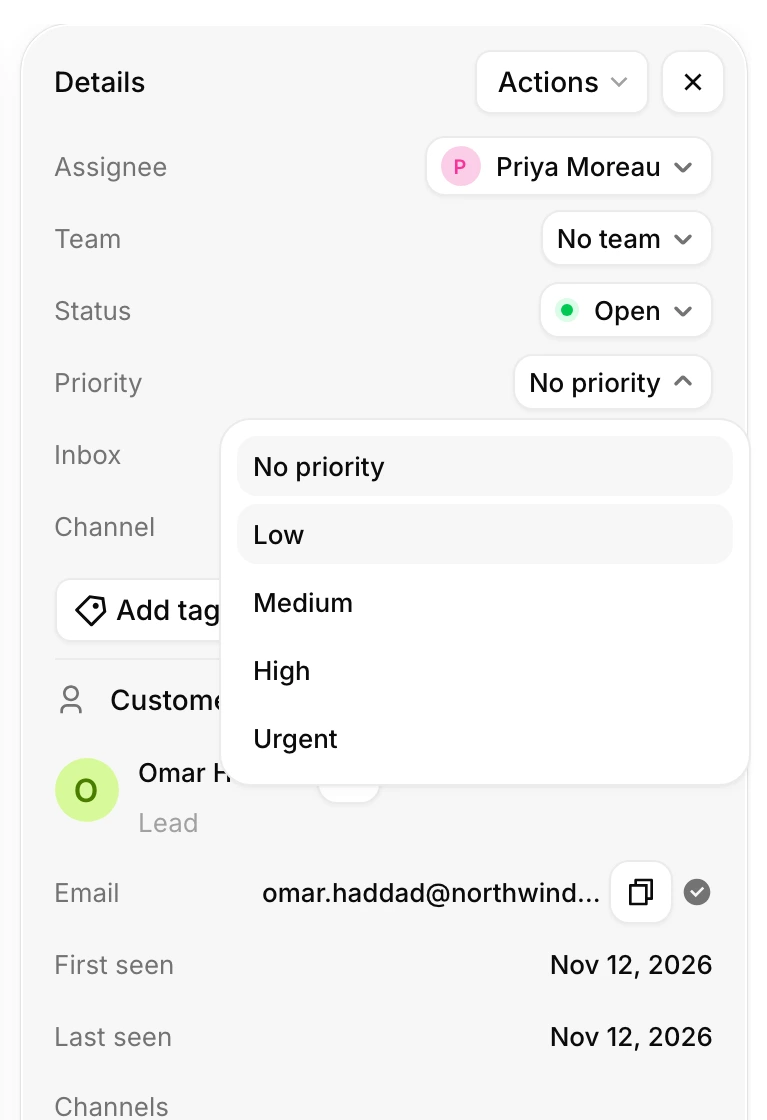
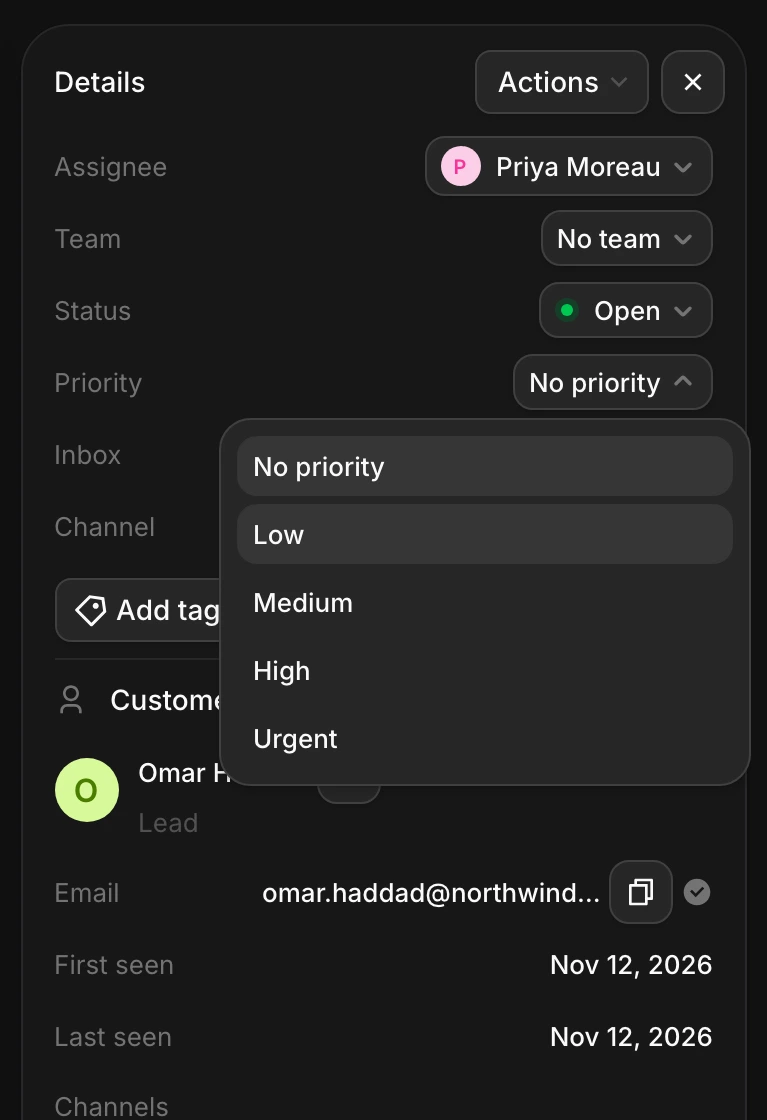
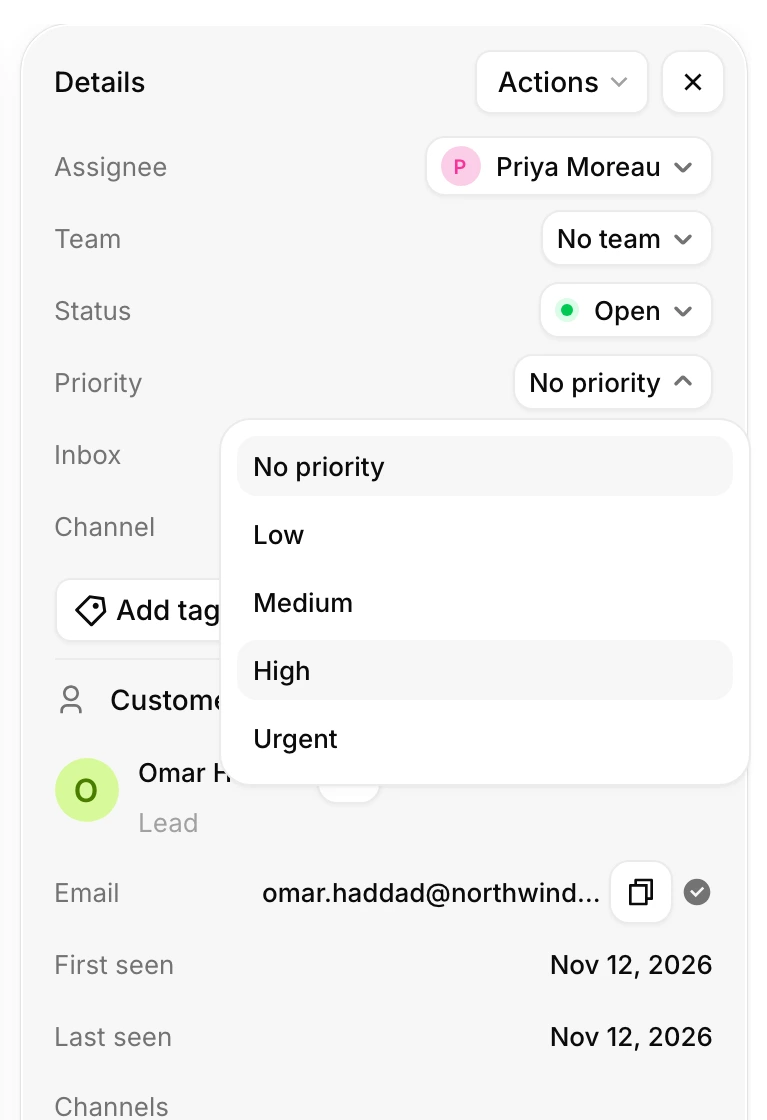
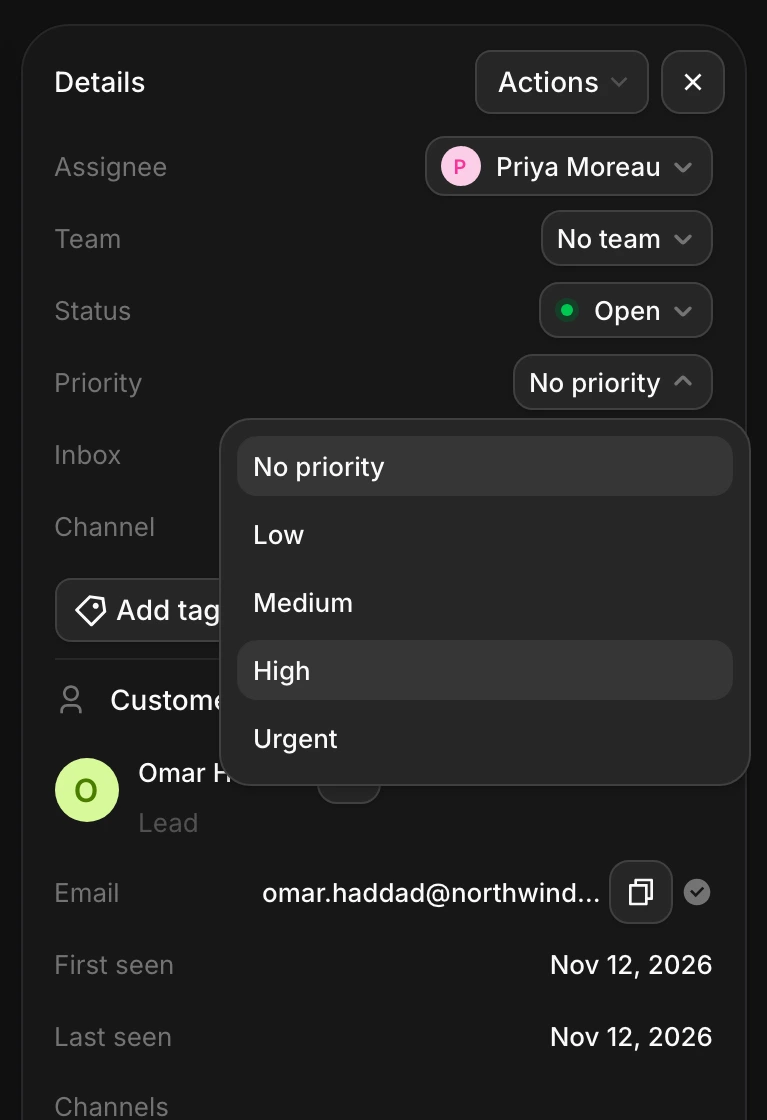
Customer info next to every chat
Plan, tags, and priority sit up top, with past chats and app events right below.
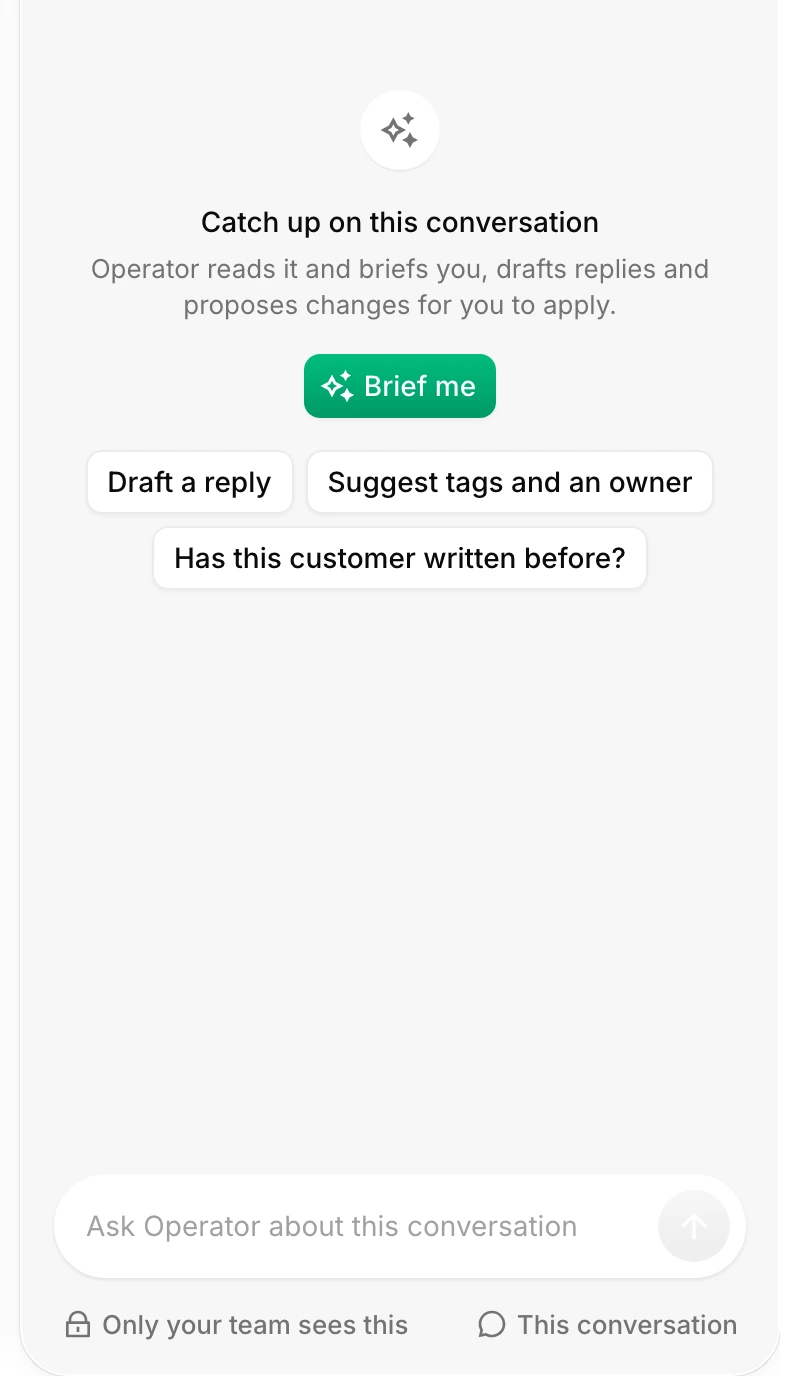
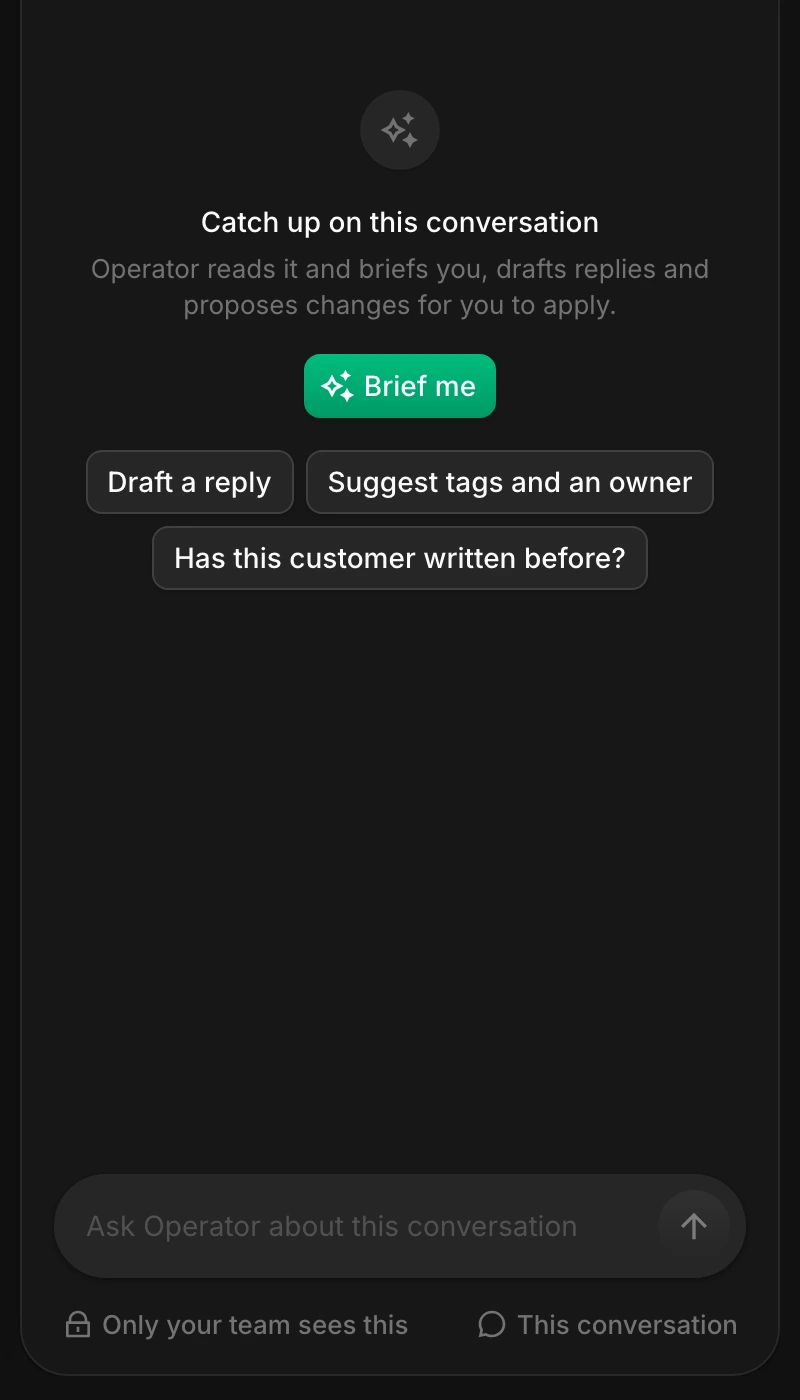
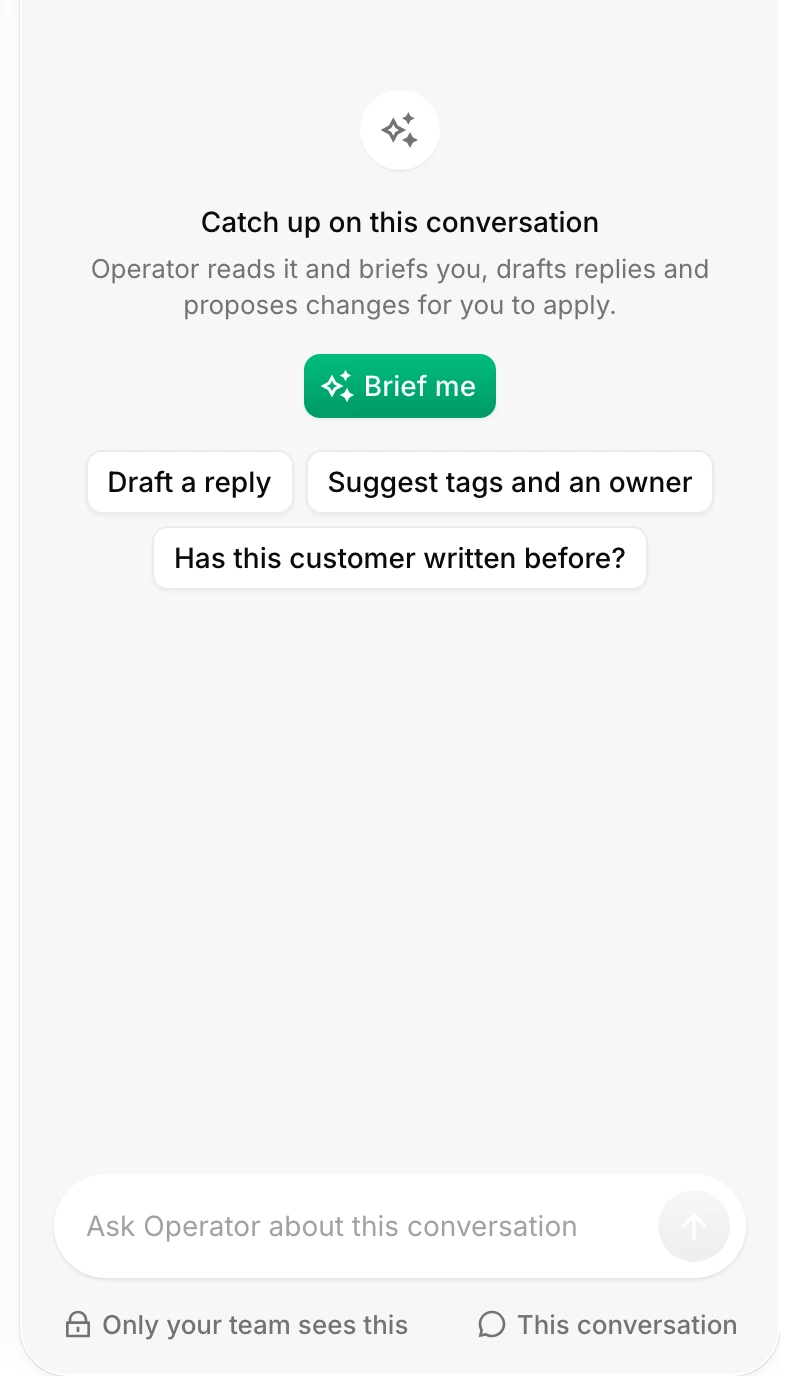
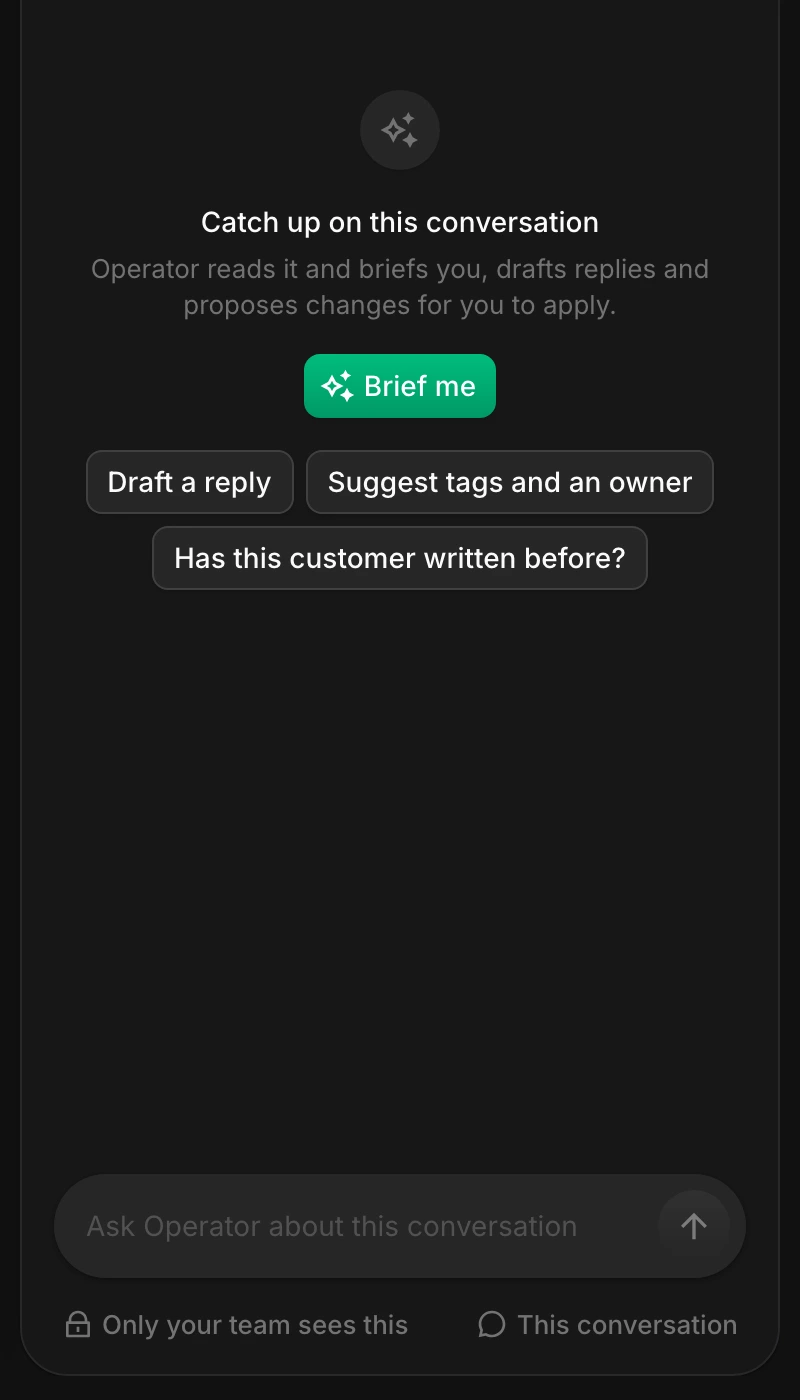
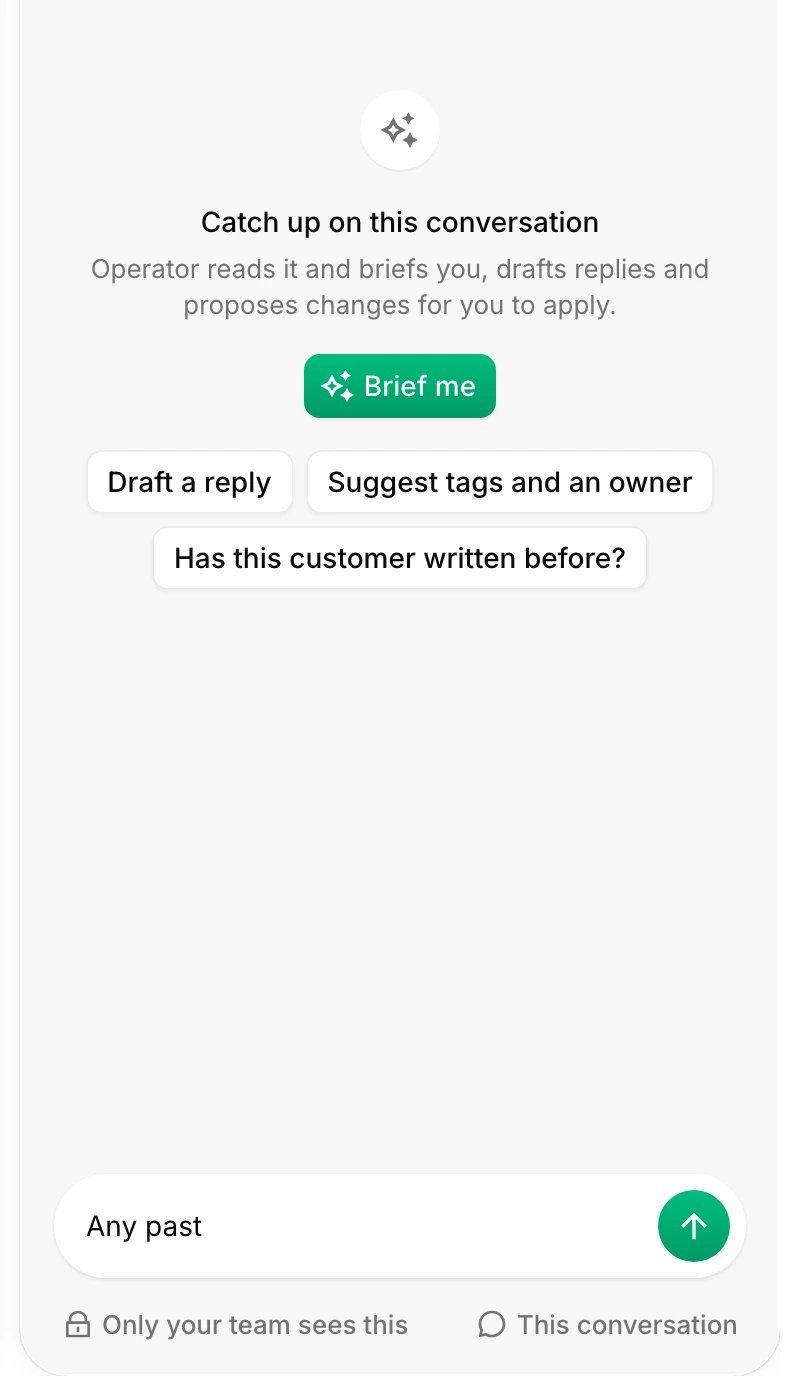
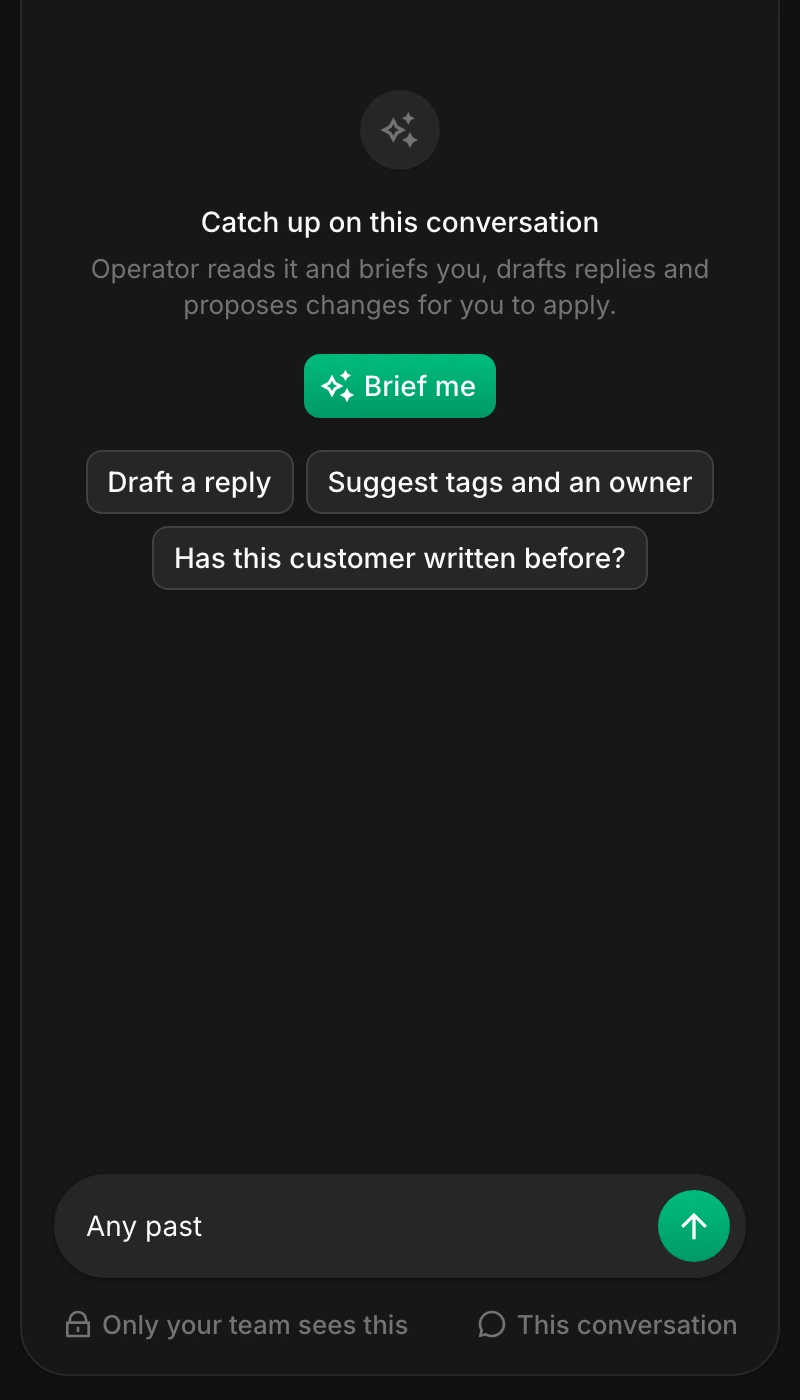
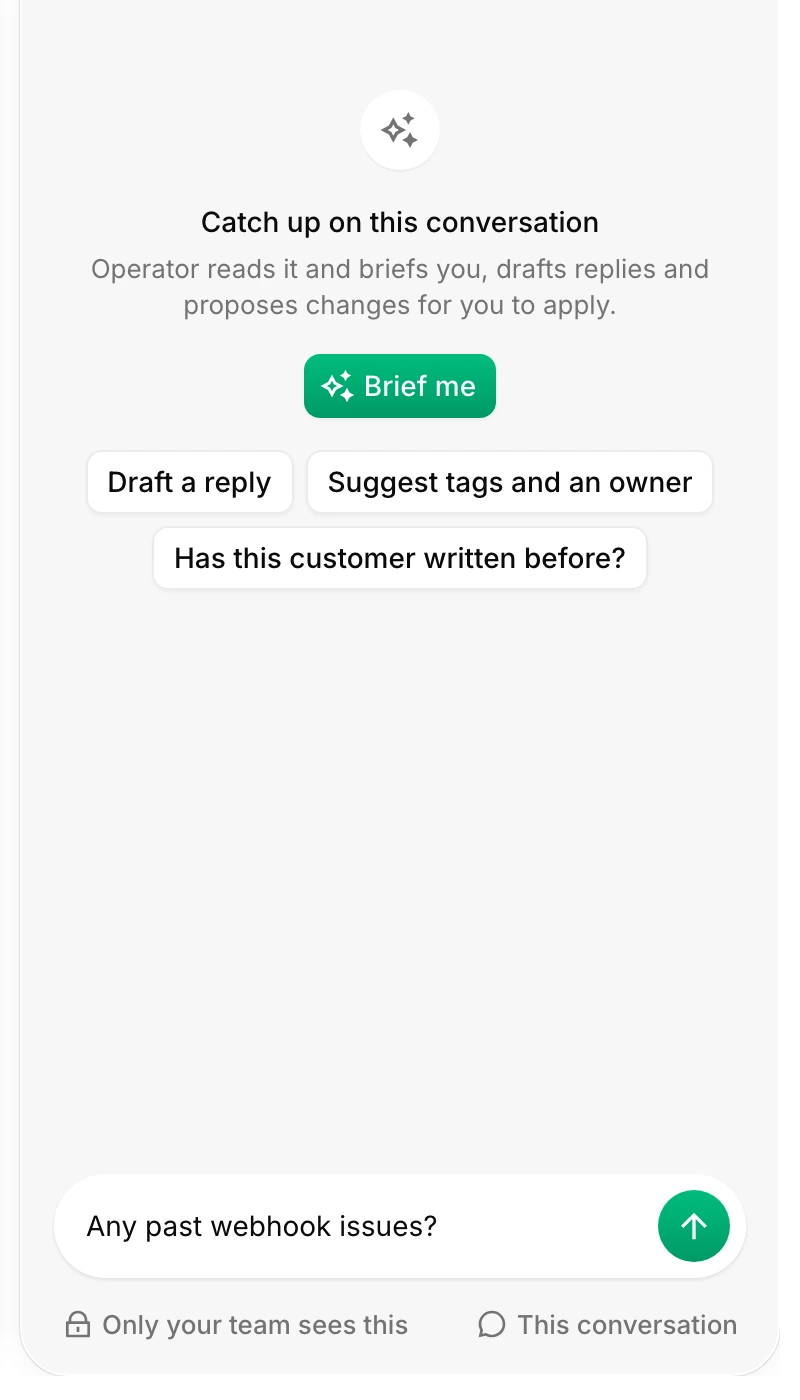
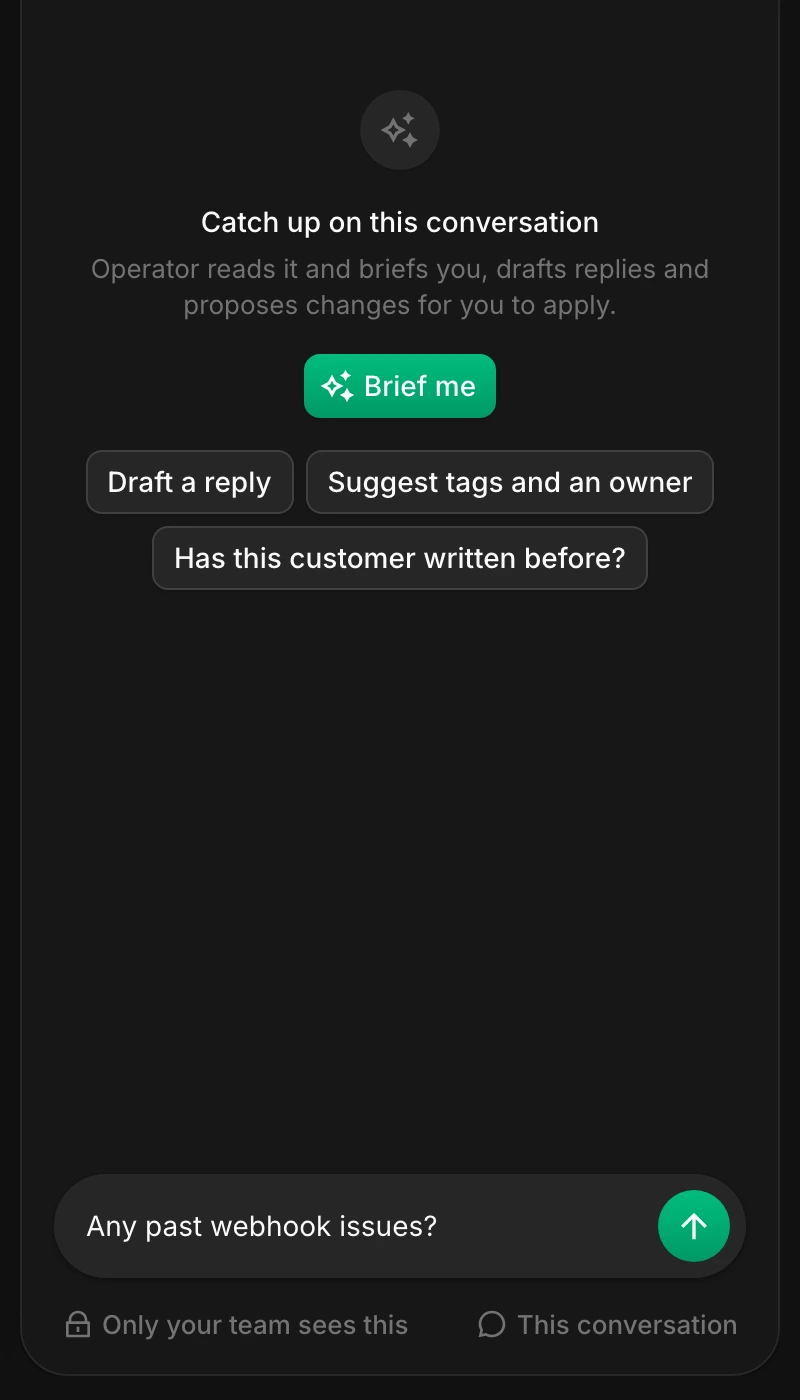
Operator sums up long threads
Skip reading 40 messages. Ask Operator for a quick brief or a draft reply.
Everything your team uses all day.
Keyboard shortcuts
Every action has a shortcut, and the command menu finds the ones you forget.
Undo send
Catch a typo and pull a reply back before it goes out.
Saved replies
Send a common answer, then tag, assign, or close the chat in one move.
Bulk actions
Assign, tag, or close dozens of conversations in one shot.
Merge threads
Same customer on chat and email? Combine both into one thread.
Customer ratings
Ask how the chat went right when you close it, in chat or email.
SLAs
Set reply targets by plan or priority and get warned before one slips.
Tickets
Turn a support chat into tracked work linked to Linear, Jira, GitHub, and more.
Reports
Track volume, reply times, and CSAT by team, channel, and tag.
Internal notes
Tag a teammate right inside the thread. Customers never see notes.
Live translation
Read and write in your language while customers read in theirs.
Mobile apps
Answer from iOS and Android, with push alerts for threads assigned to you.
Works with the rest of dimmi.
Agents
Specialized support agents that cite your docs, follow policies, and hand over with a summary.
Explore agentsHelp center
Publish articles on your domain that help both customers and the AI.
Explore the help centerQuestions and answers.
What teams ask before moving their inbox over.