Answer unlimited support@ emails together in one inbox.
Forward your support email to dimmi and send replies from your own domain. See who is replying, leave private notes, and let AI agents help.
Everything a shared email inbox should do.
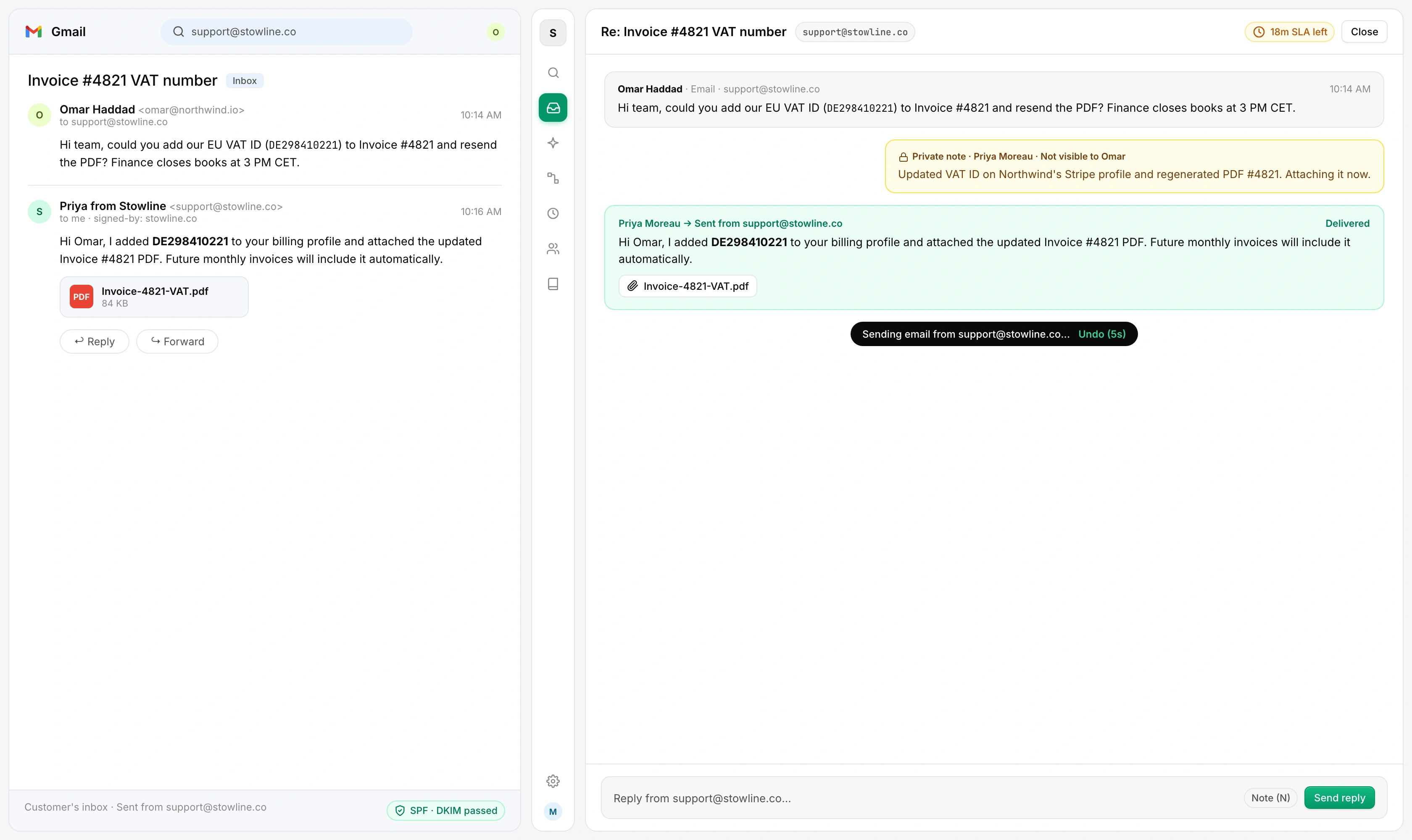
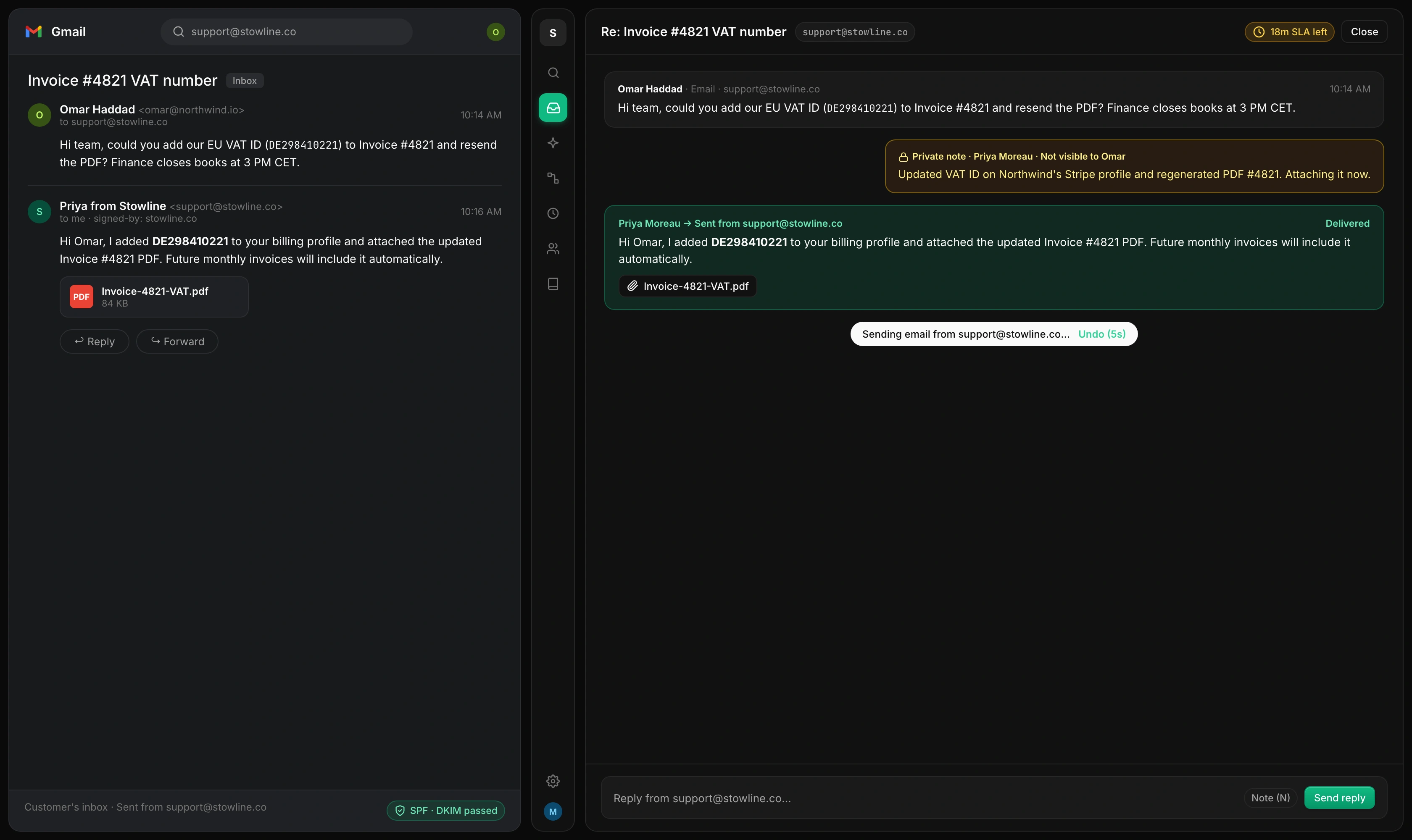
Forward your email and send replies from your own address.
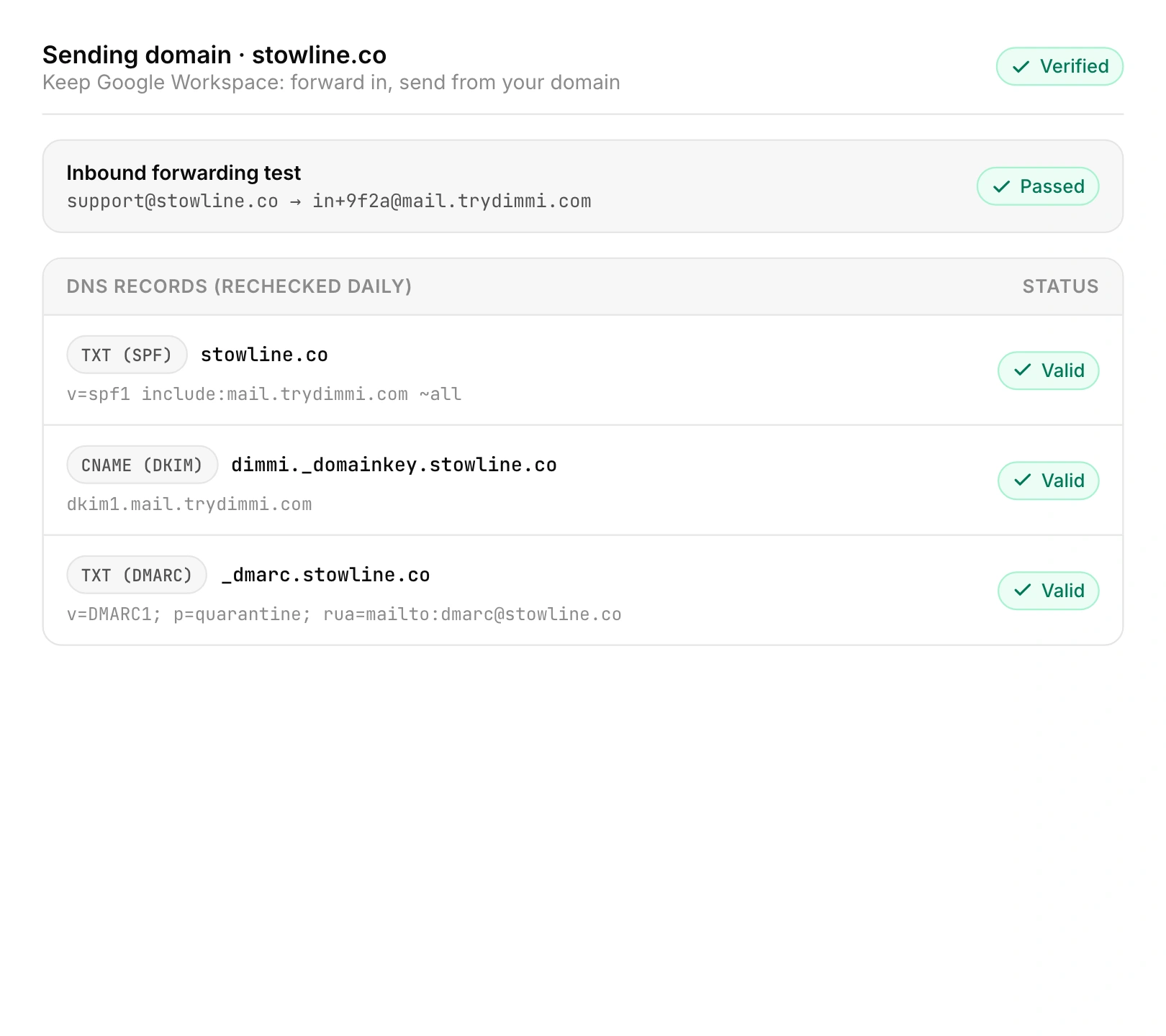
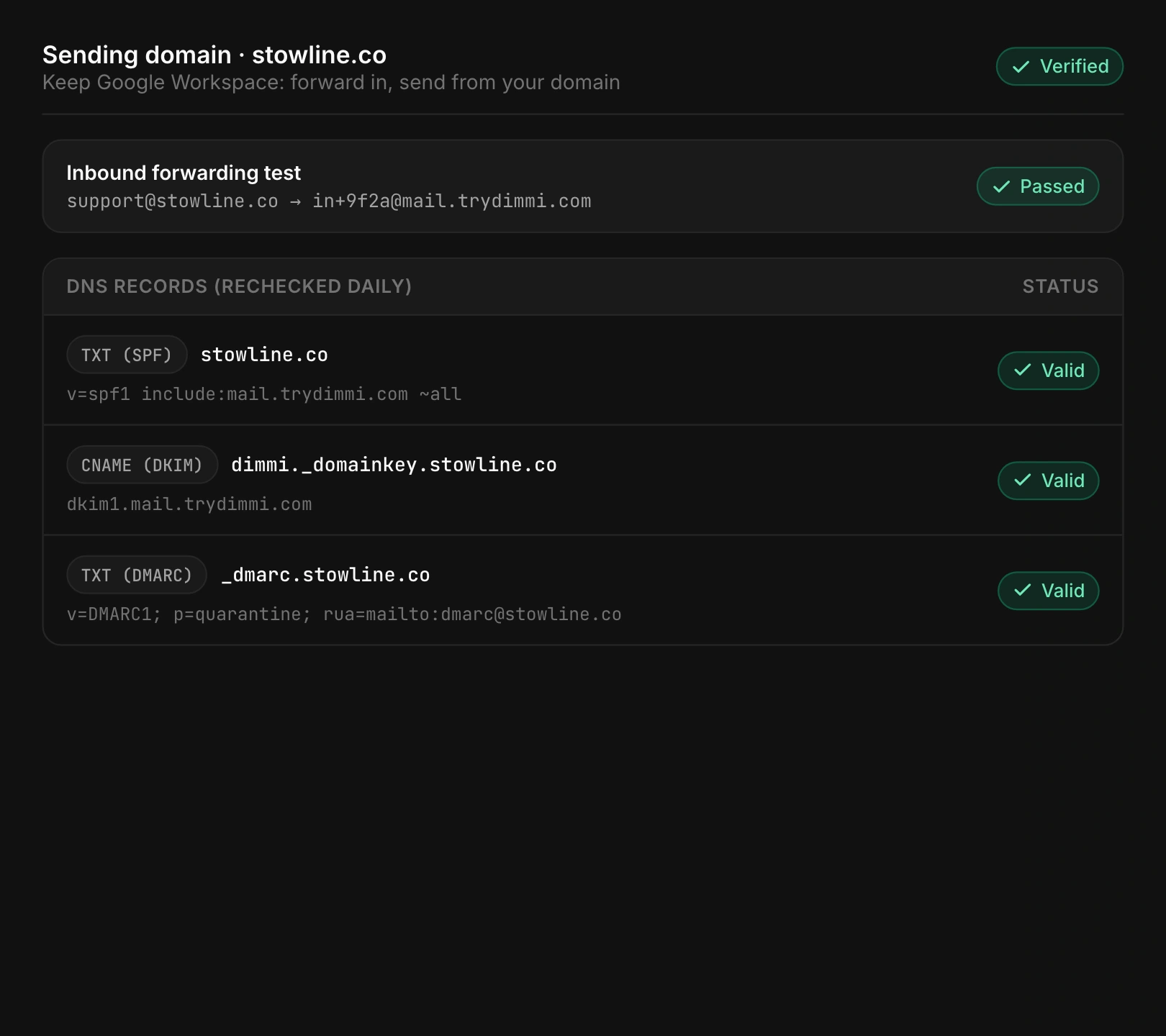
Keep Gmail, Outlook, or Zoho where it is. Forward your support address to dimmi and add three DNS records so replies go out from your domain and land in the inbox.
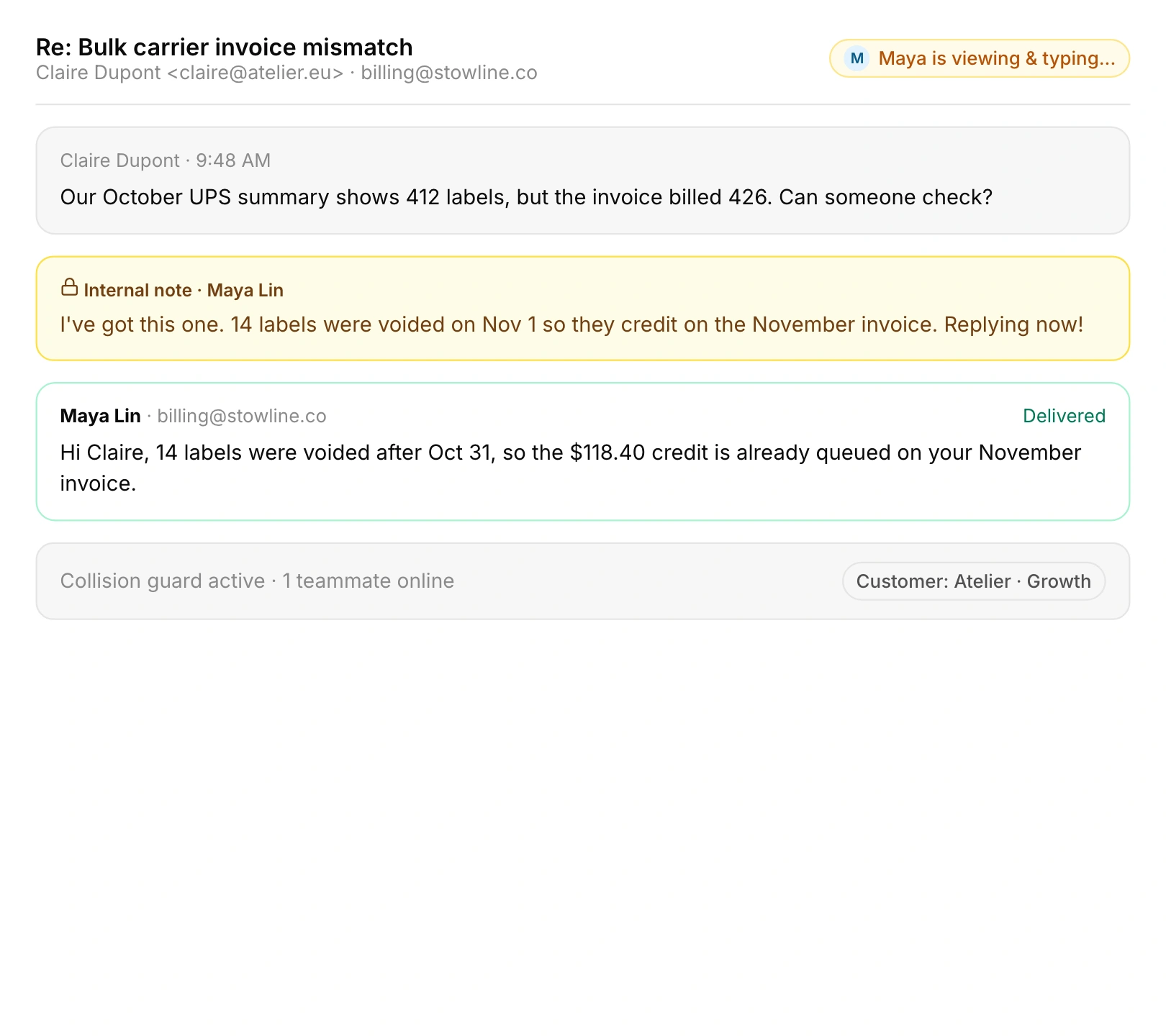
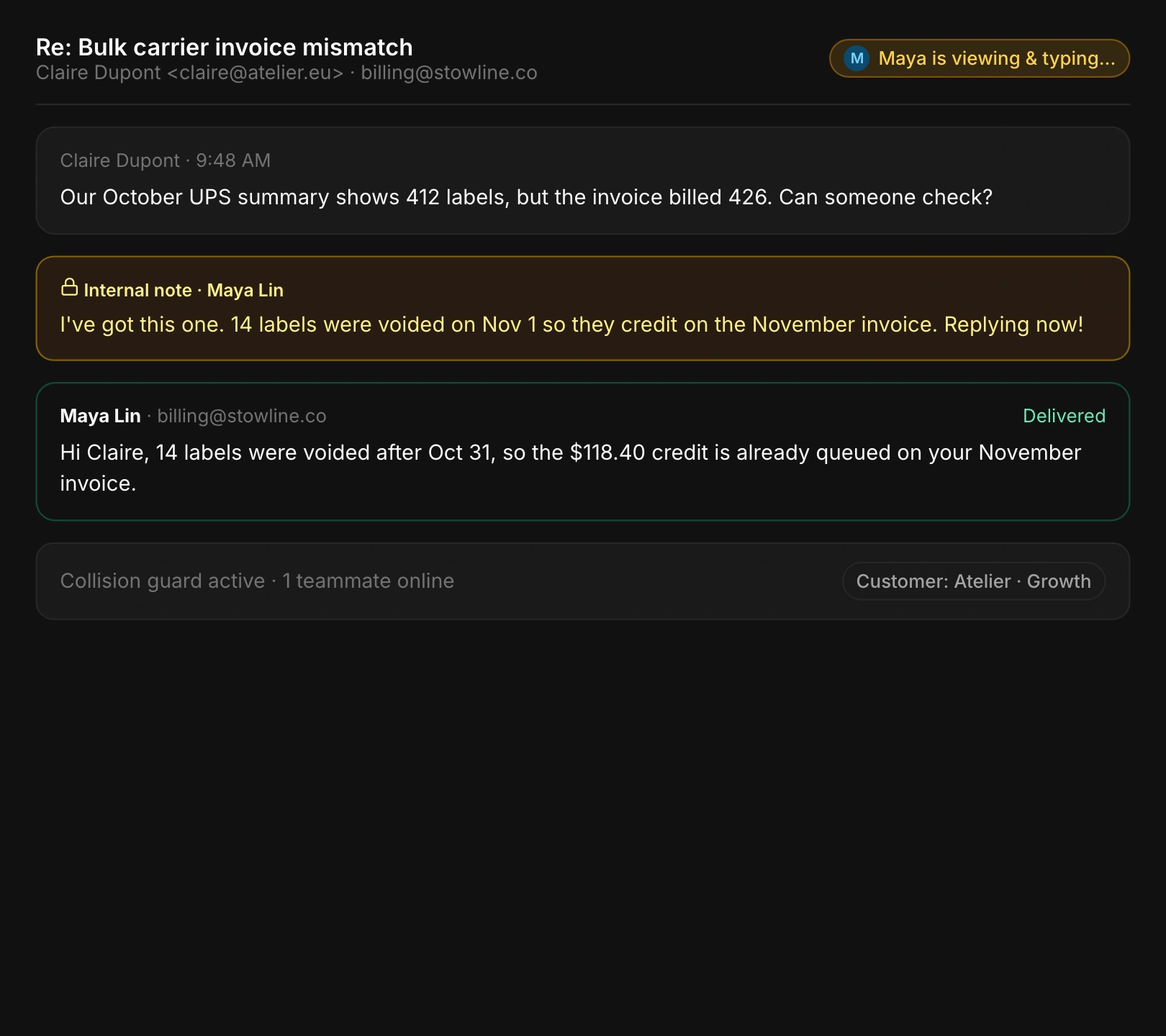
Stop two teammates from replying to the same email.
See when a teammate is already viewing or typing in a thread. Leave private notes for your team and check past orders right beside the reply box.
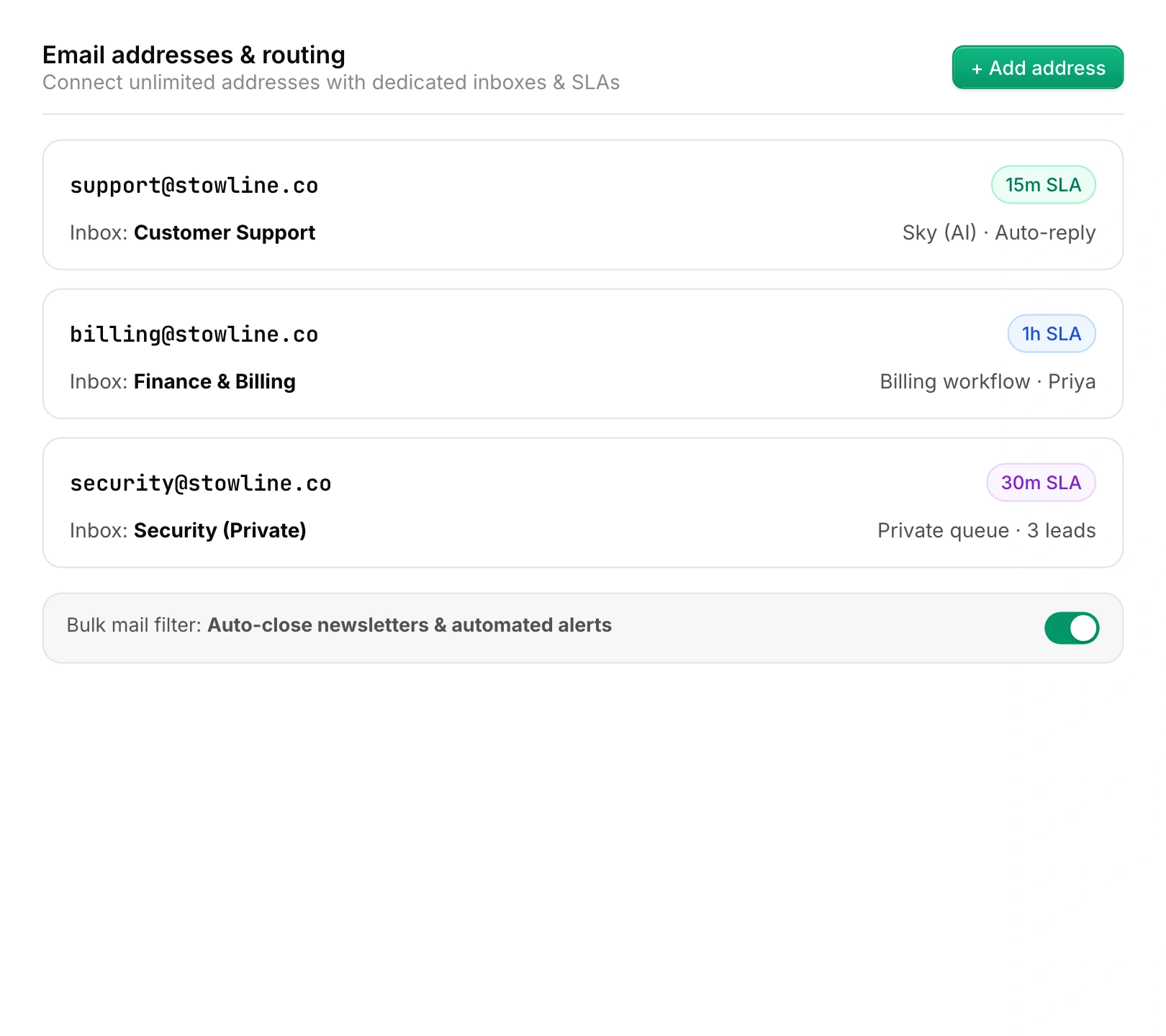
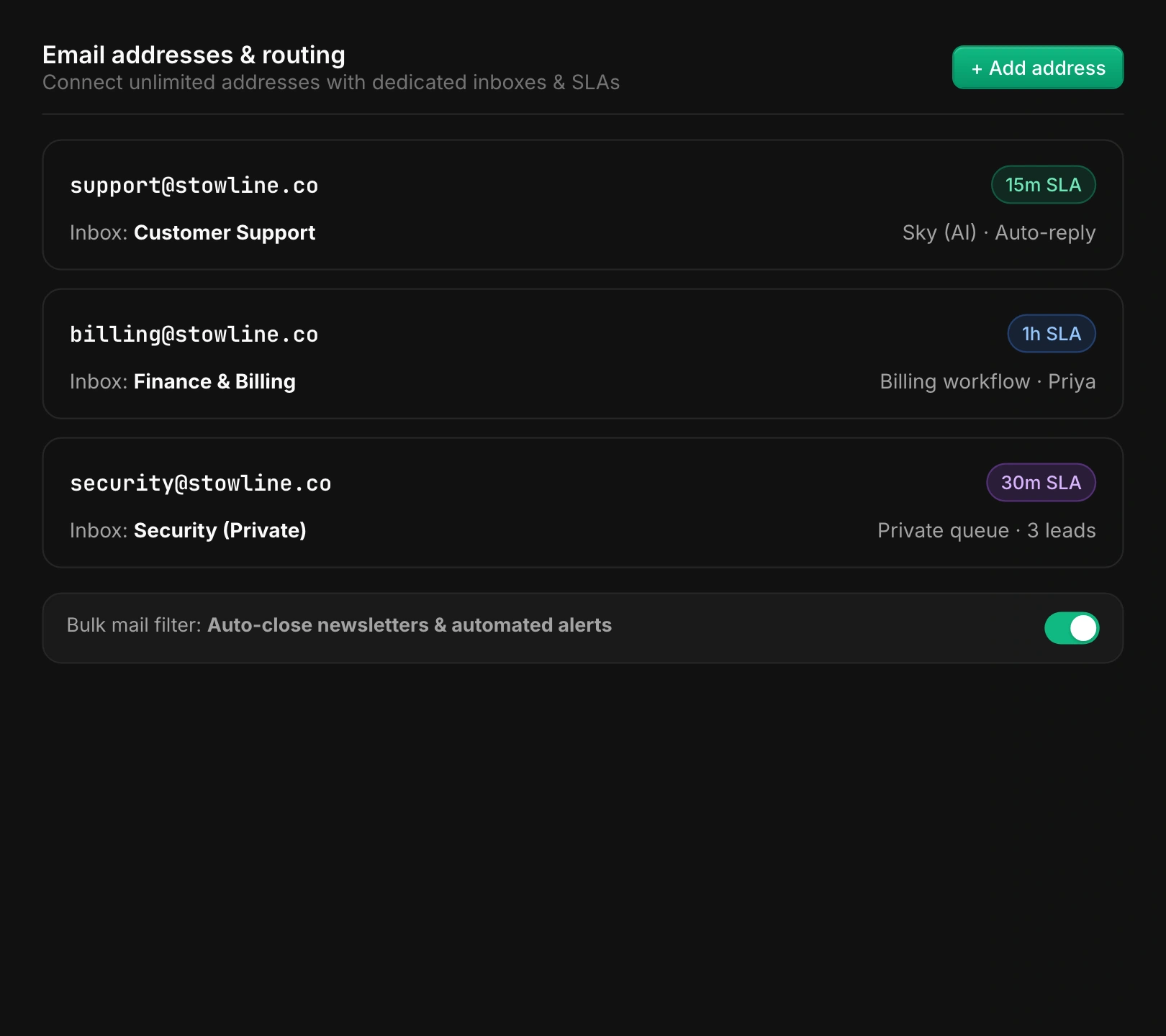
Send support@, billing@, and security@ to different teams.
Connect as many email addresses as you use. Give each address its own inbox, reply timer, workflow, and AI agent, or keep private addresses visible only to chosen teammates.
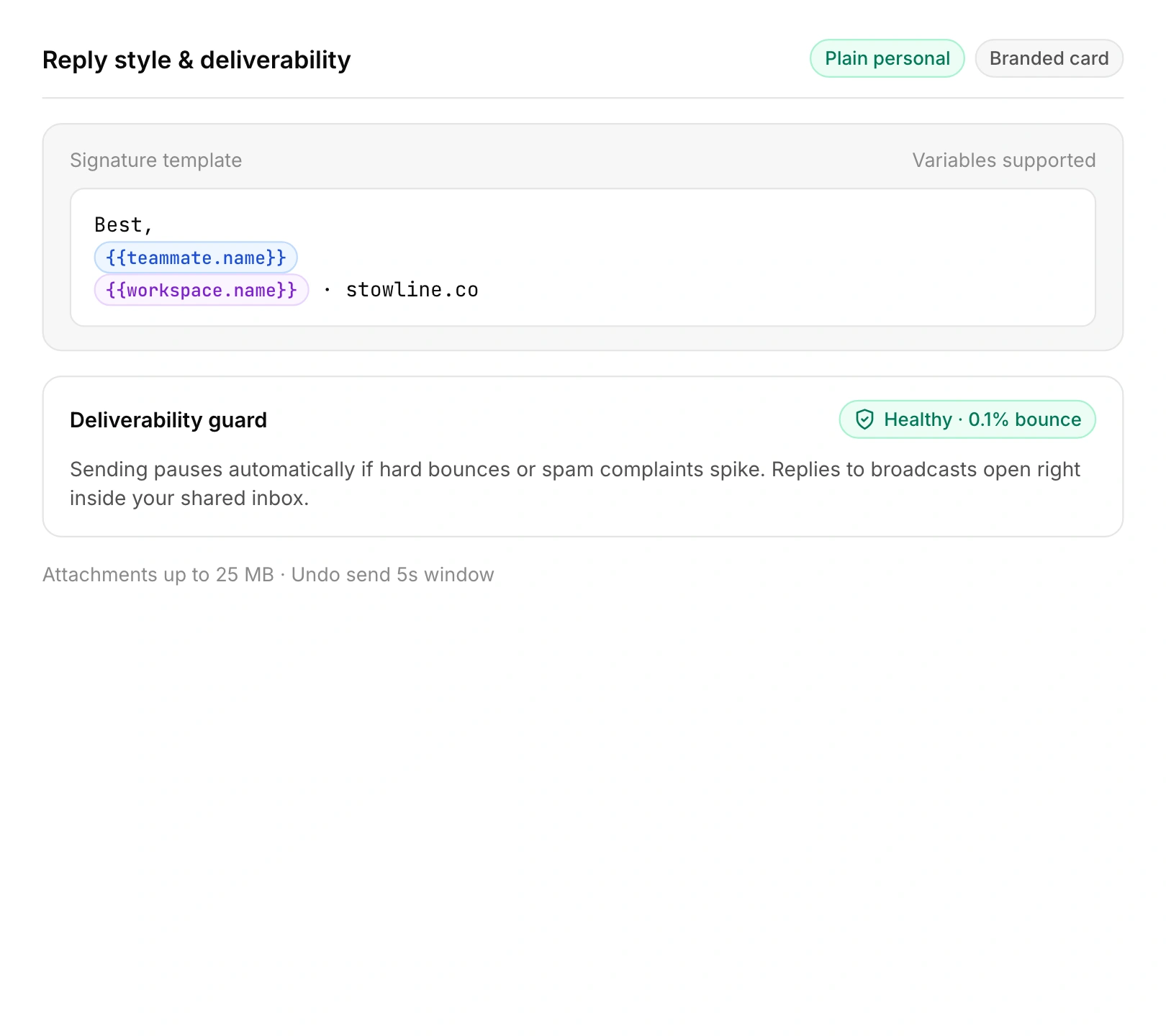
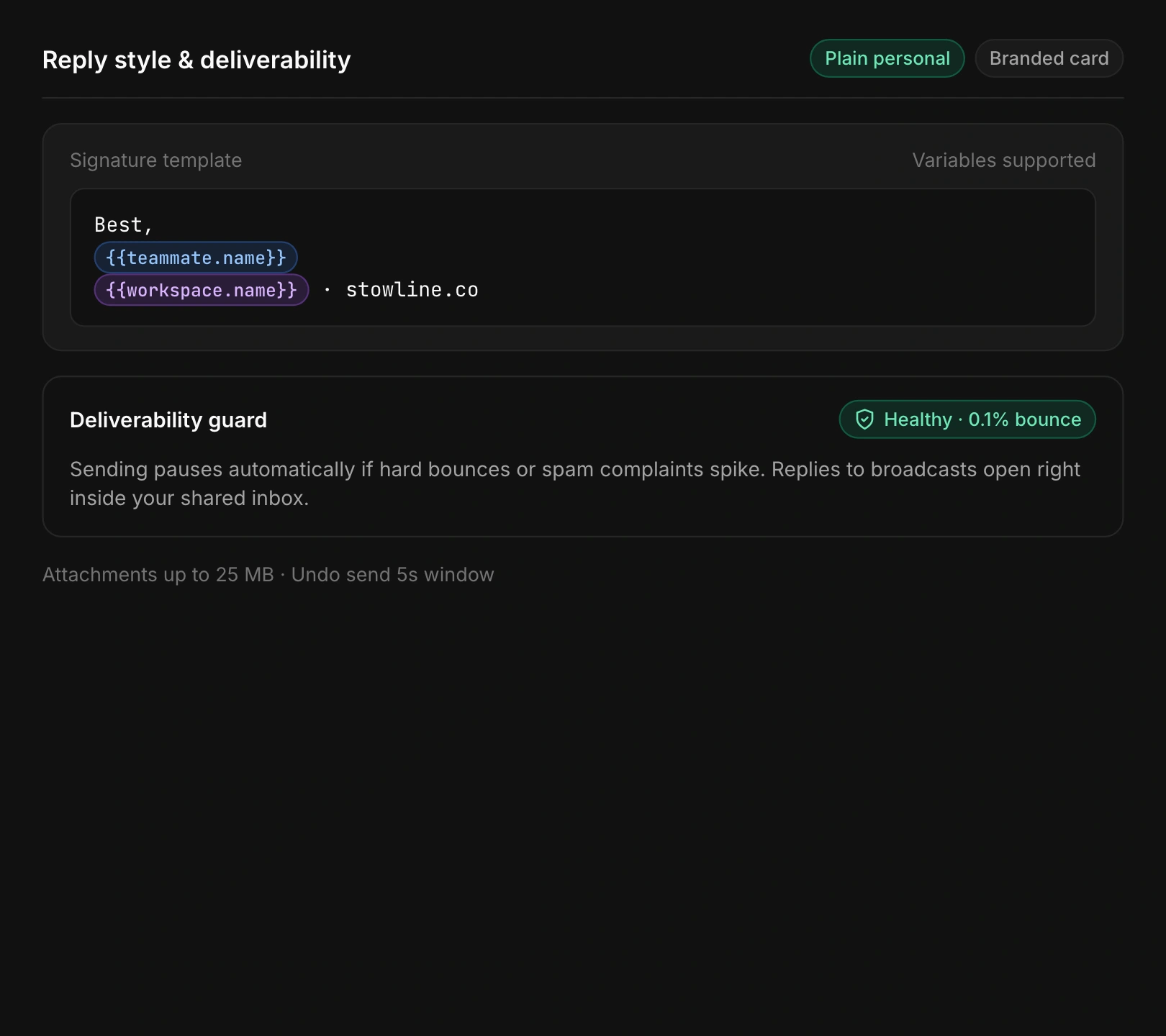
Plain or branded emails with personal signatures.
Send plain text replies or branded emails with file attachments and teammate signatures. If bounce rates climb, dimmi pauses sending to protect your domain.
Handy tools for busy email inboxes.
Filter out newsletters
Automatically close or drop marketing emails and automated alerts before they clutter your inbox.
Undo send
Spot a typo or missing file? Pull the email back before it leaves.
Merge email and chat
Combine a customer's email and live chat into one thread when they message you twice.
Saved replies
Insert common answers with the customer's name filled in, then tag or close the thread in one click.
Daily DNS checks
dimmi checks your domain records every day and warns you if anything breaks.
Bring your own mail server
Self-host with SMTP, Amazon SES, Postmark, Mailgun, SendGrid, Resend, or Cloudflare Email Routing.
Connect every other channel to the same inbox.
Pair this channel with your shared inbox, AI support agents, workflows, and transparent pricing.
Questions and answers.
What teams ask before connecting support@ to dimmi.